

Add your website
Give AutoBacklinks the context it needs to find relevant opportunities.
- 01
Enter your domain
Enter the website you want to promote in the
yourwebsite.comfield.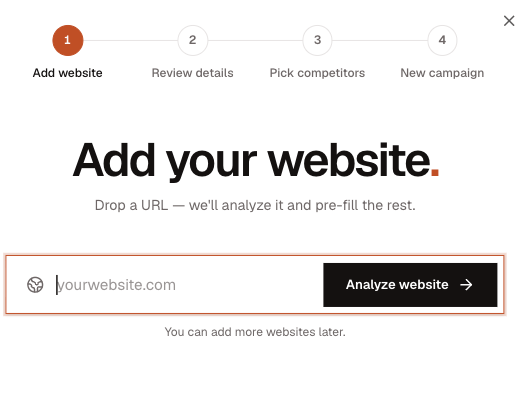
Enter the domain you want to promote, then choose Analyze website. - 02
Analyze your website
Choose Analyze website. AutoBacklinks reads your site and prepares the details used for prospecting and outreach.
- 03
Review the details
Check the information found about your website. Edit anything that does not accurately describe your business.
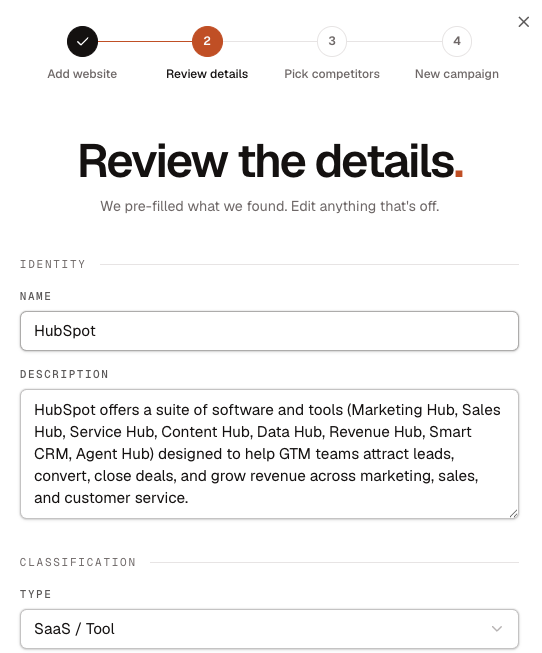
Confirm the website identity and classification AutoBacklinks found. 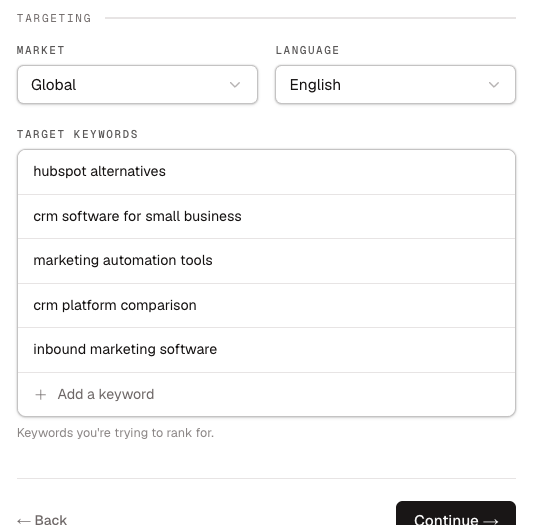
Review the target market, language, and keywords used for prospecting. - 04
Review your competitors
Keep up to five useful competitors, or choose Skip and add them later.
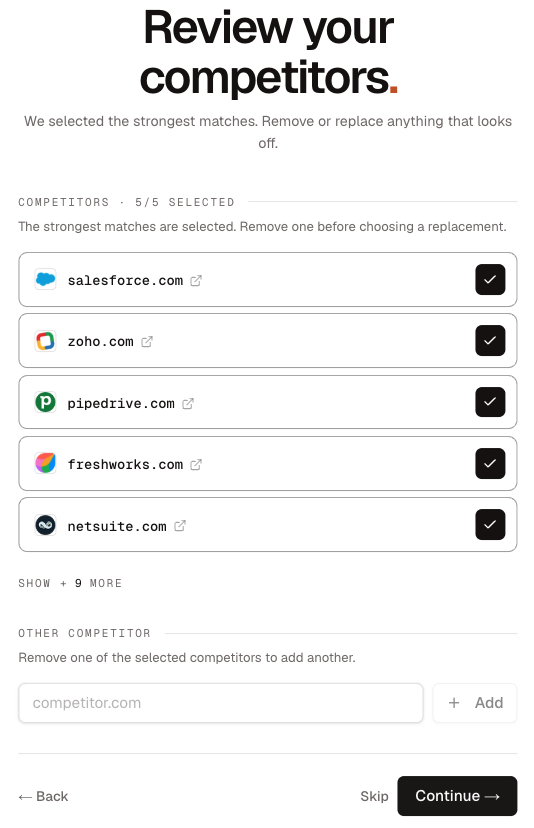
Keep the strongest matches and remove one before adding a replacement.