

Low Cost SEO Tools in 2026: 30 Cheap Picks, Reviewed

by Rachid Idali
Last Updated: August 22, 2026
Here are 30 low cost SEO tools for 2026, each with what it costs, what it does at that price, and where it stops. Every entry names the limit, because the limit is what decides whether a cheap tool is a bargain or a waste.
The short version, before the list: SEO breaks into six activities, and in 2026 four of them are genuinely free. Keyword research, on-page work, technical audits and analytics all have permanent free tiers that are good enough to run a real site on. The two that have no credible free option are link building and AI visibility tracking, and those are the only two worth opening your wallet for.
A complete paid stack lands around $150 a month. A serious partial stack is $42. A free stack is $0 and covers more than most people expect.
Where a small SEO budget actually needs to go
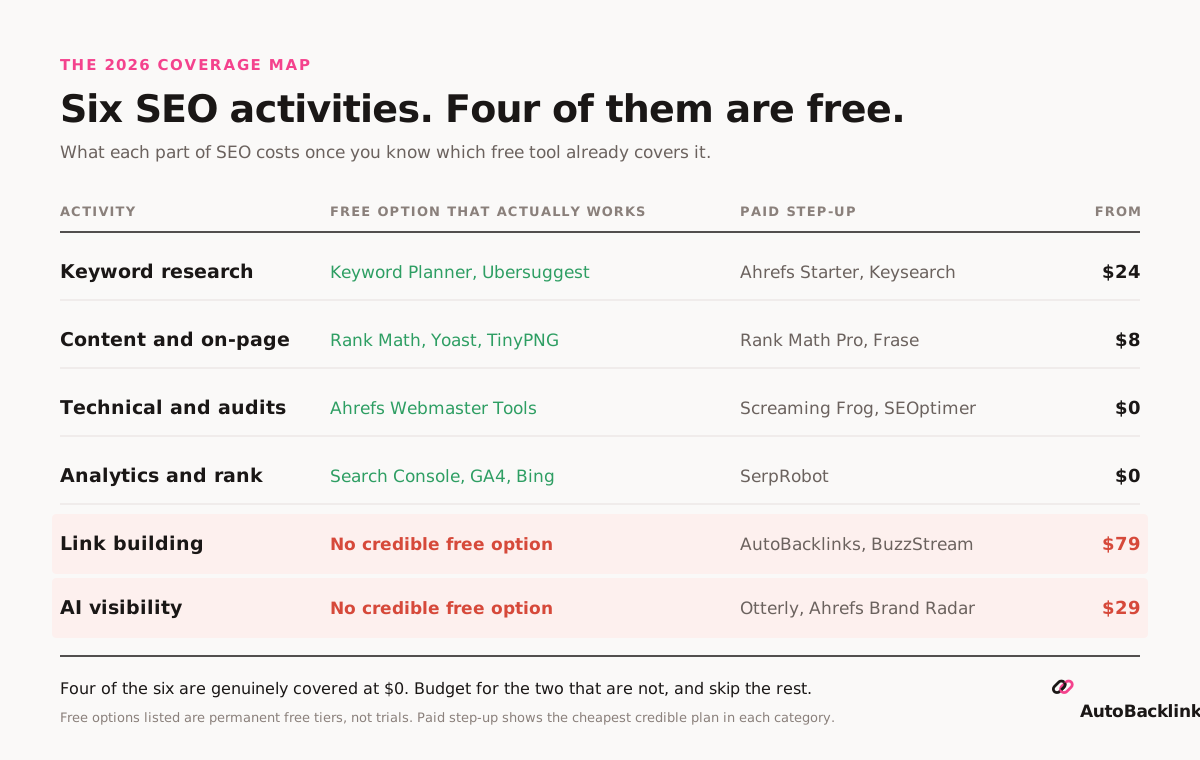
Most budget SEO advice hands you a list of twenty tools and leaves you to work out which ones overlap. The more useful question is which activity you are trying to cover, and whether that activity already has a free answer.
Run through them and the picture is clear. Technical auditing is solved: Ahrefs Webmaster Tools audits 170 or more issues free on unlimited verified sites. Analytics and rank data is solved: Search Console gives you measured positions for every query you rank for. On-page is solved on WordPress by Rank Math or Yoast. Keyword research is nearly solved, in that free tiers exist and ration you to a handful of lookups a day.
Two activities have no free answer. Nobody gives away link outreach, and nobody gives away AI visibility tracking. That is where a small budget should go, and it is the reason the most common cheap-stack mistake is spending $95 a month on two overlapping keyword tools and nothing on the two categories that have no free substitute.
That is the whole strategy. Cover four activities at $0, pay for the two that need paying for, and skip everything else.
The three low cost SEO stacks
| Stack | What is in it | Monthly | What it covers |
|---|---|---|---|
| Free | Ahrefs Webmaster Tools, Search Console, GA4, Keyword Planner, Trends, Bing Webmaster Tools, PageSpeed Insights, Screaming Frog, Ubersuggest free, Rank Math, TinyPNG | $0 | Research, on-page, technical, analytics. Four of six. |
| Working | Ahrefs Starter $29, Rank Math Pro $8, SerpRobot $5 | $42 | The same four, done properly, with tracking for keywords you do not rank for yet |
| Complete | The above plus a link building tool $79 and an AI visibility tracker $29 | $150 | All six activities |
If you refuse another monthly subscription, LowFruits sells keyword credits outright, $25 for 2,000, with no recurring bill.
The 30 cheap SEO tools, reviewed
Thirty tools for 2026, grouped by the six activities. For each one: what it costs, what you can do at that price, and what you cannot.
Where I have used something myself I say so. Where I have only verified pricing and capability, I say that instead.
Cheap SEO tools for keyword research
Pick one. Not three. Everything here does substantially the same job, and buying two is how a low cost stack quietly becomes a mid-cost stack.
Ahrefs Starter
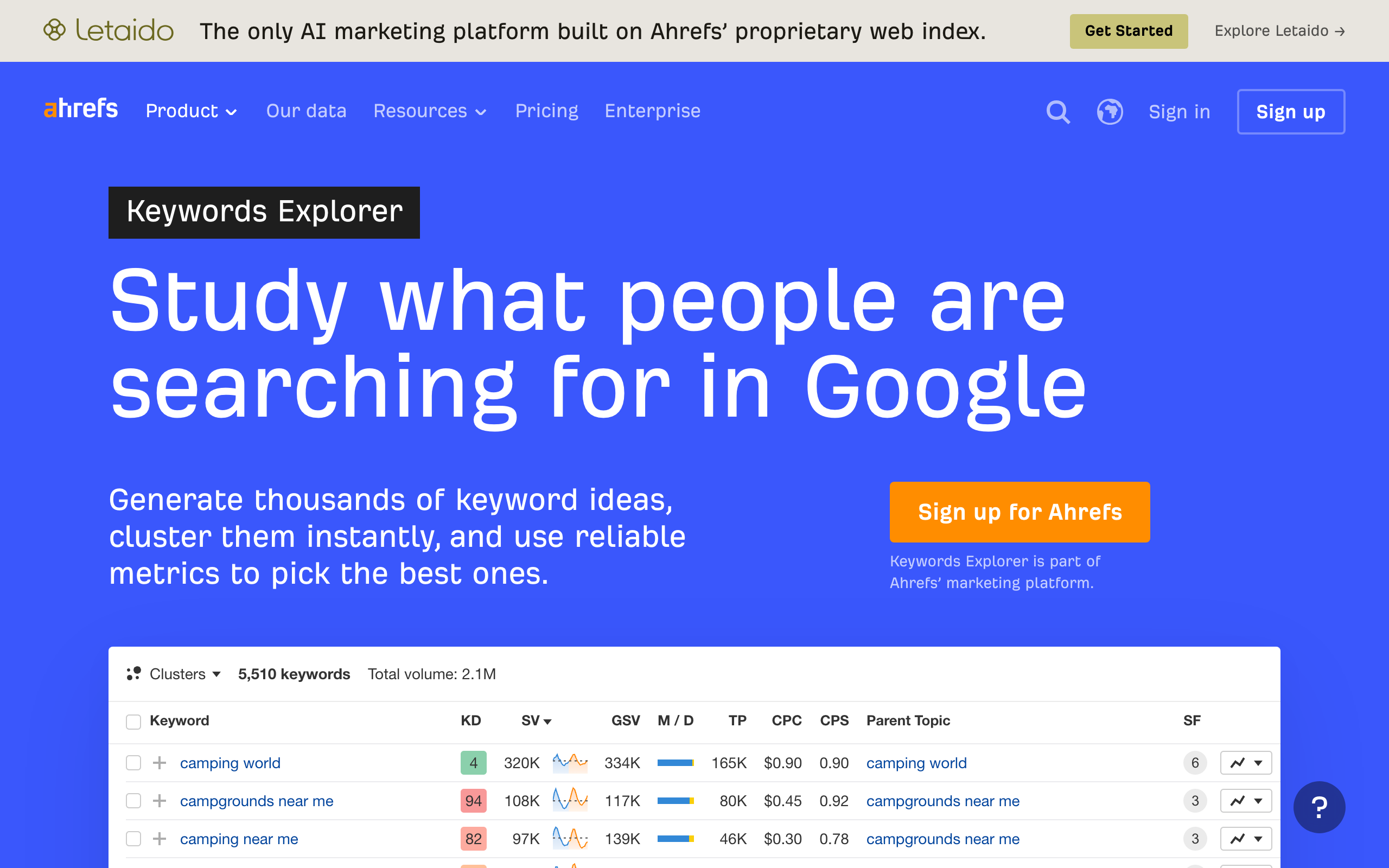
$29 a month (€27). The best value in this category, with one caveat you need before you buy.
What you can do: use Site Explorer, Keywords Explorer, Site Audit, Rank Tracker, the SEO Toolbar and Web Analytics, on Ahrefs' index. Site Audit and Rank Tracker do not consume credits. Keywords Explorer and Rank Tracker are not available on the free tier at all, so this is the cheapest way into them.
What you cannot do: buy add-ons, extra credits or extra users on this plan, and you only get 100 credits a month. Credits burn when you pull reports. If you research in bursts you will hit the wall in an afternoon. If you work one keyword at a time it is excellent. You also cannot downgrade into Starter from a higher plan.
LowFruits
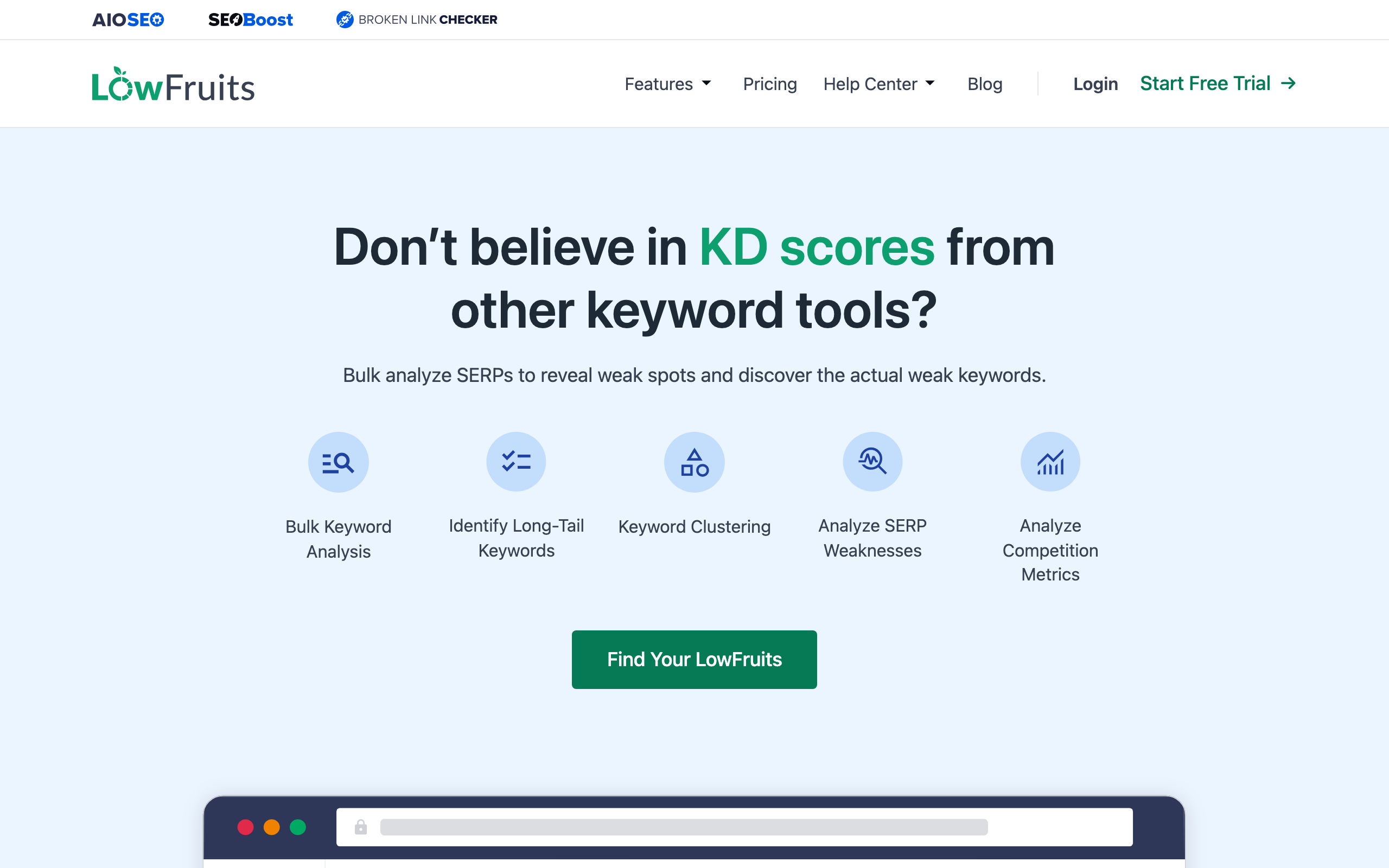
$25 for 2,000 credits with no subscription, or $20.75 a month billed yearly. The most on-thesis tool in this list.
What you can do: bulk-analyse SERPs to find weak spots rather than trusting a difficulty score, extract long-tail keywords, cluster them, and pull competitor rankings and sitemaps. Standard includes 3,000 credits a month, 100 tracked keywords, and 30 competitor ranking extractions. Bigger credit packs run $60 for 5,000 and $100 for 10,000. There is a refund inside 14 days if you have used under 100 credits.
What you cannot do: use it as a full suite. It has no backlink index of its own and it is not built for site auditing. What it is built for is finding keywords weak enough that a small site can realistically rank for them, and it is the only serious option here you can buy outright instead of renting.
Ubersuggest
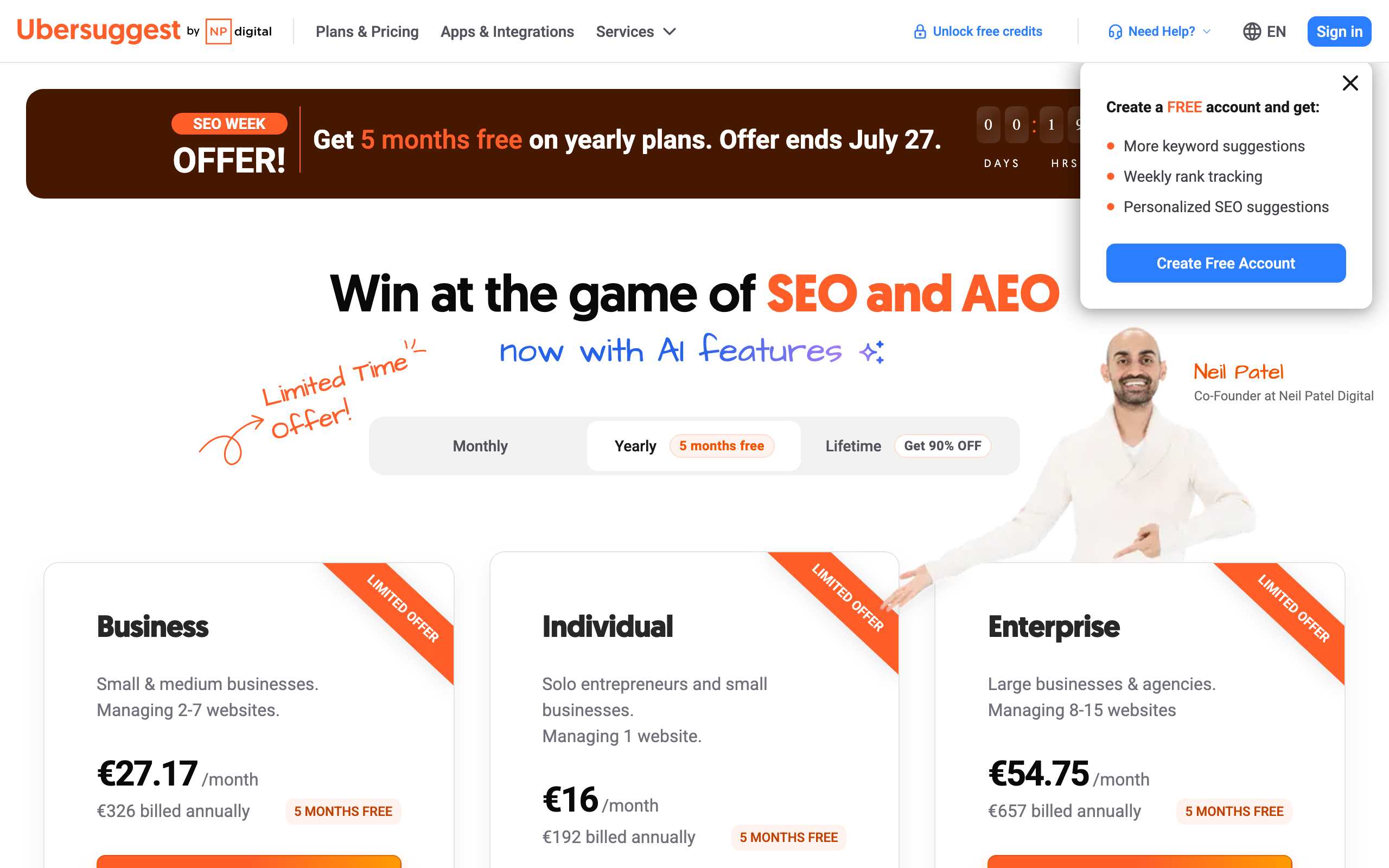
Free tier, then from about $29 a month, with a lifetime licence historically around $290.
What you can do free: three searches a day with an account, one a day without. That is enough to sanity-check a handful of ideas a week, and it is genuinely free rather than a trial that expires. The Individual plan covers one domain, 125 tracked keywords, 150 searches a day and 1,000 page scans.
What you cannot do: serious research on the free tier, and you should treat the data as estimated, since it is modelled from several providers rather than measured. One practical caution: the pricing page frequently runs countdown promotions, so confirm the standard rate before committing to an annual plan.
Mangools
€61 a month billed monthly, or €37.70 a month billed annually. Read that twice if you have Mangools filed away as a $29 tool. The €19.90 Entry plan no longer exists, and the often-quoted $29 figure is out of date.
What you can do on Basic: 100 keyword research requests and 100 SERP analyses per 24 hours, 200 keyword suggestions per request, 200 tracked keywords across unlimited domains, 100,000 backlink rows a month, and 20 site analyses a day. AI Search Watcher PRO is bundled in, tracking 500 prompts.
What you cannot do: add extra seats on Basic, or call this a budget pick any more. KWFinder is still the most pleasant low-difficulty keyword finder to use, and the interface remains the best in the category. It is now a mid-priced tool that happens to be very good.
Keysearch
$24 or $48 a month. The most sensible paid pick under $30 if you want volume rather than depth.
What you can do at $24: 200 keyword searches a day, plus SERP analysis, competitor analysis, backlink analysis, YouTube research, site auditing, AI content assistance and rank tracking. Pro doubles you to 500 searches a day and raises rank tracker, site audit and AI credit limits. Annual billing gives you two months free.
What you cannot do at $24: use Foresight, the AI recommendation engine, which is Pro only. The index is also smaller than Ahrefs', so treat it as a volume tool rather than a precision one.
AlsoAsked
$12 / $23 / $47 a month, with free searches for non-registered users.
What you can do: map real People Also Ask questions into a tree showing how they relate to each other, which turns one topic into a section outline in about five minutes. Basic gives 100 credits a month, Lite 300, Pro 1,000.
What you cannot do: get search volume or difficulty. It is a question tool, not a keyword tool, and it works alongside one rather than replacing it. At $12 it is the cheapest genuinely useful line in this whole article if you publish regularly.
Google Keyword Planner
Free, with a Google Ads account. Keyword ideas, competition levels and volume ranges, straight from Google rather than modelled. You cannot get exact volumes without running ads, and the ranges are wide, but it is the only source in this section that comes from the search engine itself. There is no public product page to show you: it lives inside the Ads interface.
Google Trends
Free, no account needed.
What you can do: check whether a keyword is growing or dying before you commit a month to writing about it, compare up to five terms against each other, and see seasonality by region. This is the fastest sanity check in the whole stack, and on a small budget it stops you spending your one content slot on a term that peaked two years ago.
What you cannot do: get absolute volumes. Trends reports relative interest on a 0 to 100 scale, so it tells you the direction of a curve and never the size of it. Pair it with Keyword Planner, which has the opposite strengths.
Cheap SEO tools for content and on-page
Where most of the actual SEO work happens, and where the free tools are strongest.
Rank Math
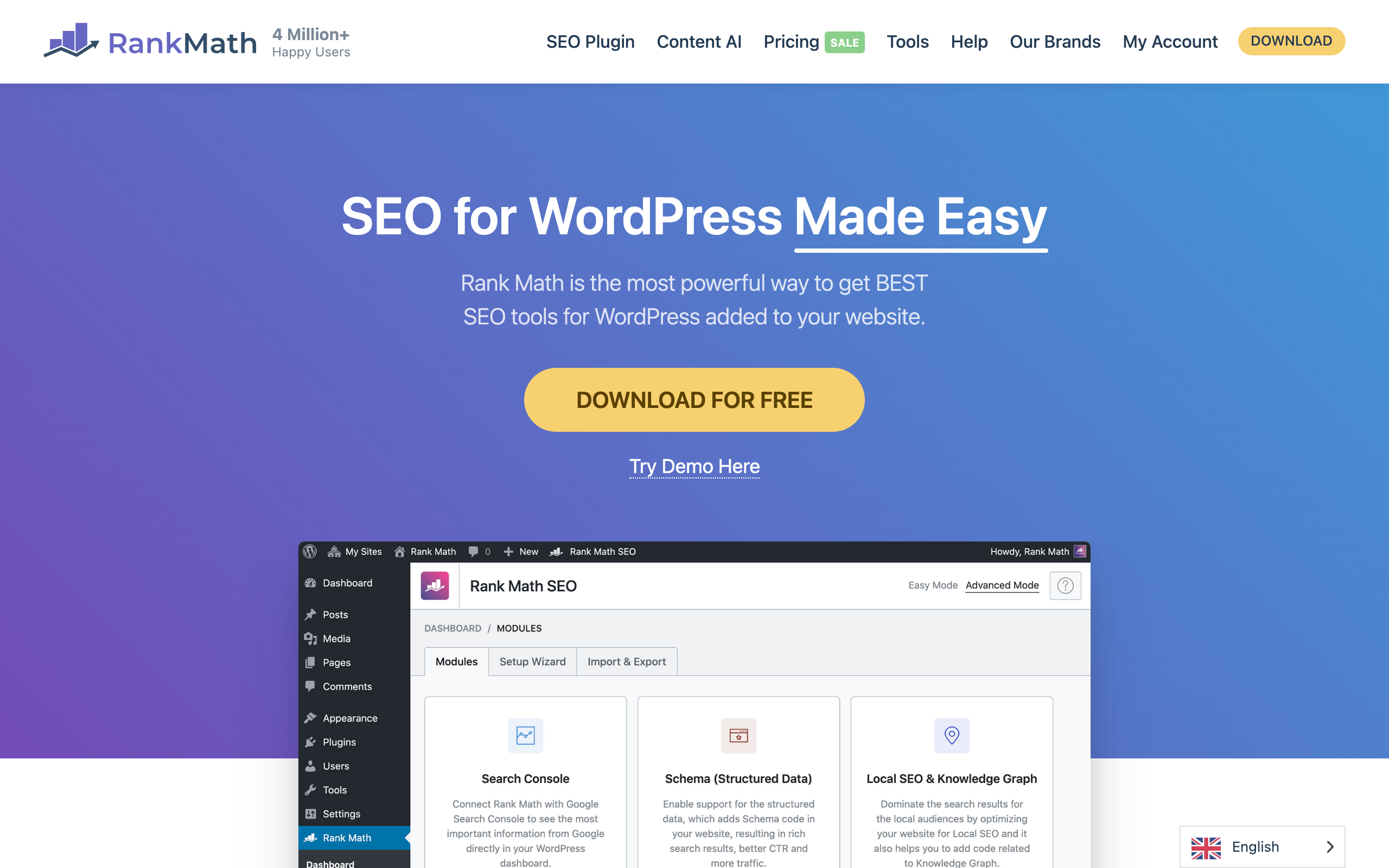
Free, with Pro at €95.88 a year (about €7.99 a month).
What you can do free: run 30 or more on-page SEO tests per post, add 18 pre-defined schema types, connect Search Console, generate XML sitemaps automatically, and manage titles, meta and redirects. The free tier is unusually generous, and schema support at $0 is the part that matters most, since structured data is otherwise a paid feature or a manual job.
What you cannot do free: track rankings inside the plugin, manage client sites, or use the analytics module. Pro at roughly €8 a month is the cheapest paid line in this entire article, and the first upgrade I would make on a WordPress site.
Yoast SEO
Free, with Premium at €118.80 a year excluding VAT.
What you can do free on WordPress: control titles and meta descriptions, generate sitemaps, get readability and basic on-page checks, and manage social previews. For most sites this is enough, and Rank Math's free tier covers similar ground if you prefer it.
What you cannot do free: manage redirects, get internal linking suggestions, or optimise for multiple keyphrases per page. Redirects are the one that eventually justifies Premium, usually the first time you restructure a site.
Frase
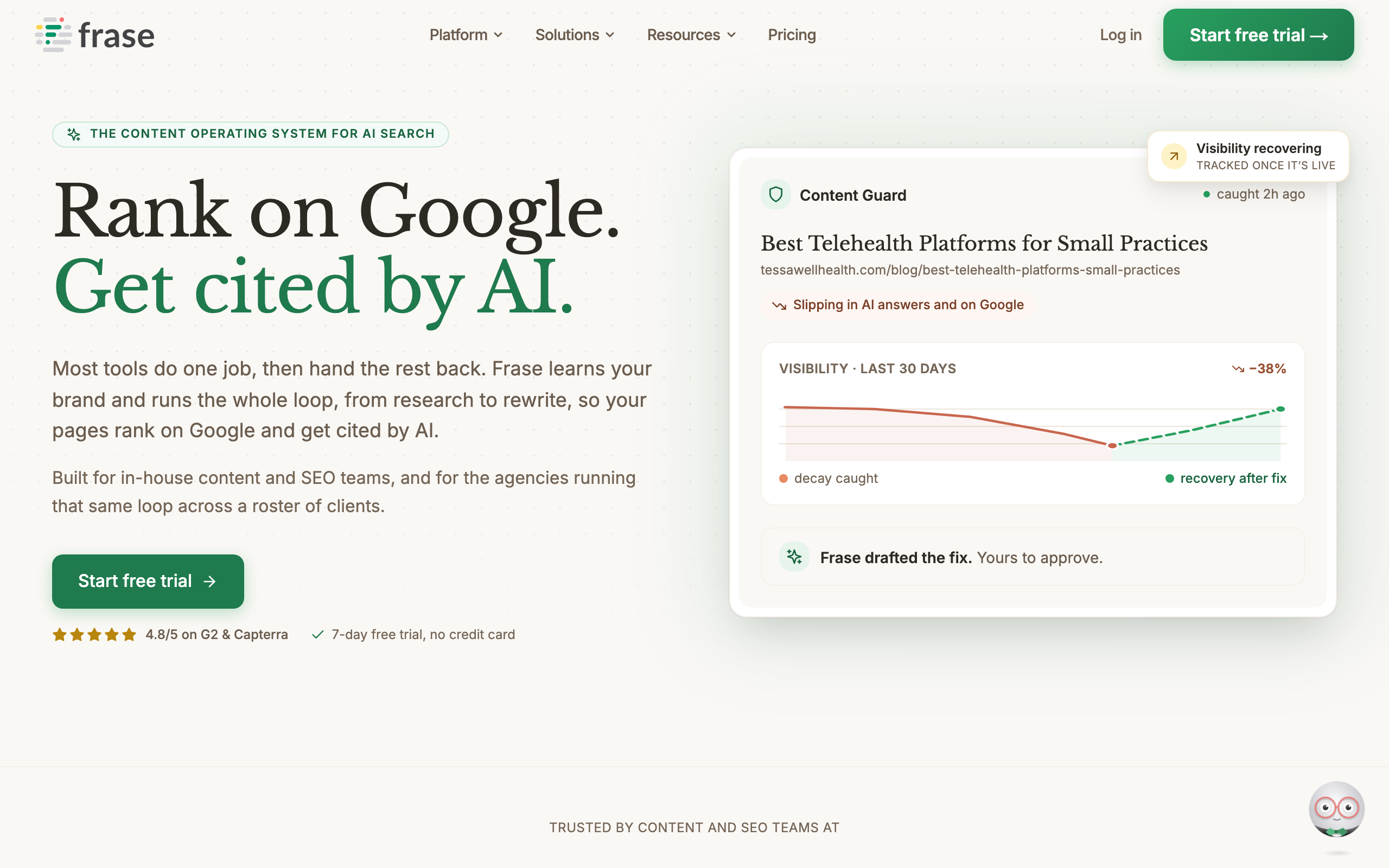
$39 a month billed yearly, $49 monthly.
What you can do at Starter: research a SERP and build a content brief from it, optimise a draft against the terms competing pages actually cover, run 10 articles and 50 page audits a month, and publish straight to WordPress, Webflow, Sanity or Wix. There is a seven-day trial with no card.
What you cannot do at Starter: more than one seat or one site, and the content calendar and internal linking features start at Professional, $103 a month. Frase is the one genuinely optional tool in this list. If you already know how to outline against a SERP, the free question tools do most of this job for nothing.
TinyPNG
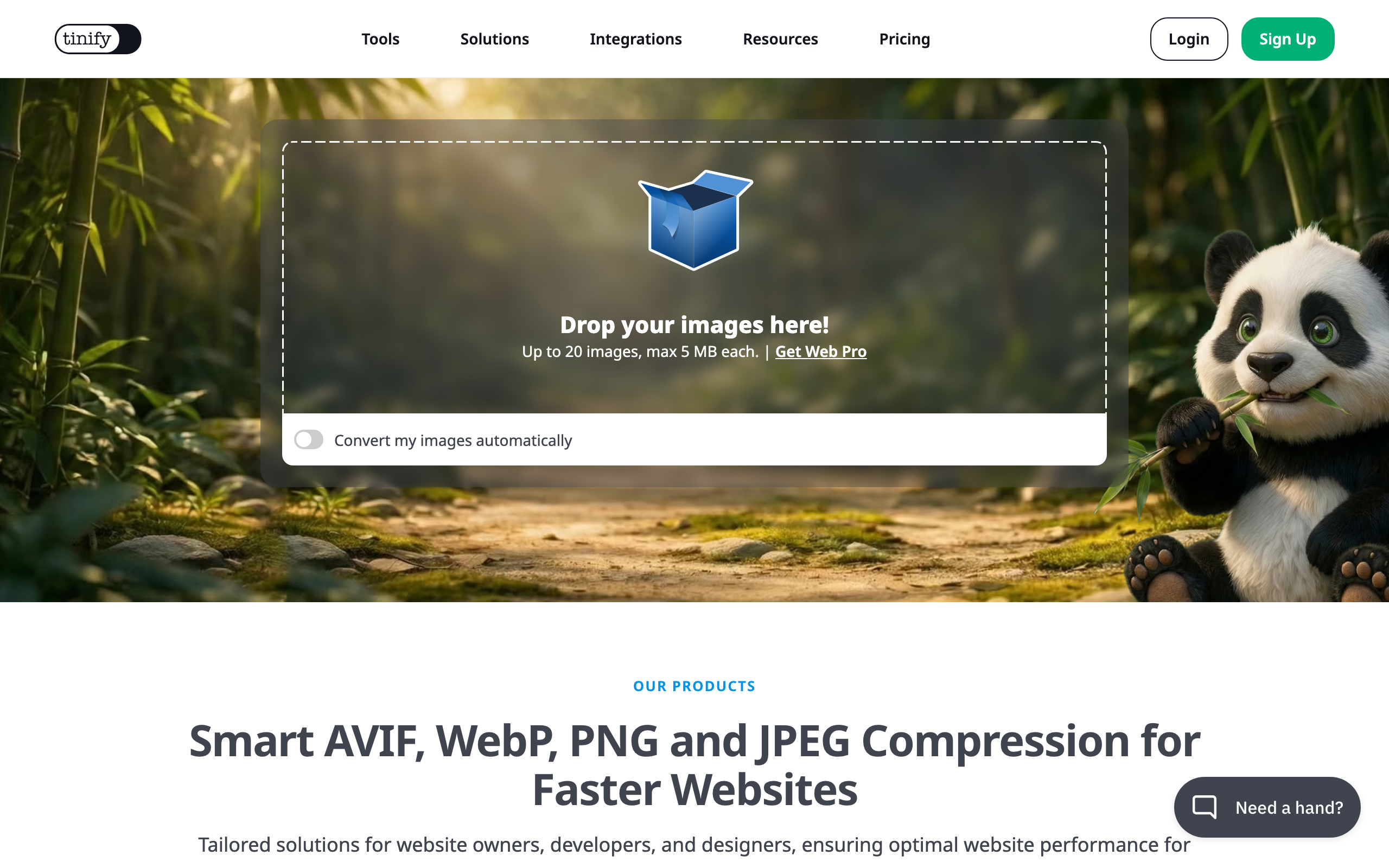
Free for the web tool.
What you can do: compress up to 20 images at once, 5MB each, with no account. Image weight is the most common cause of a poor Largest Contentful Paint score on a content site, so this is the cheapest page-speed fix available and it takes about a minute.
What you cannot do free: convert more than 3 images between formats, or automate it. Paid Web Pro and Web Ultra tiers exist for bulk and API use, priced on a separate page.
Low cost technical SEO tools
The category where free has almost entirely won.
Ahrefs Webmaster Tools
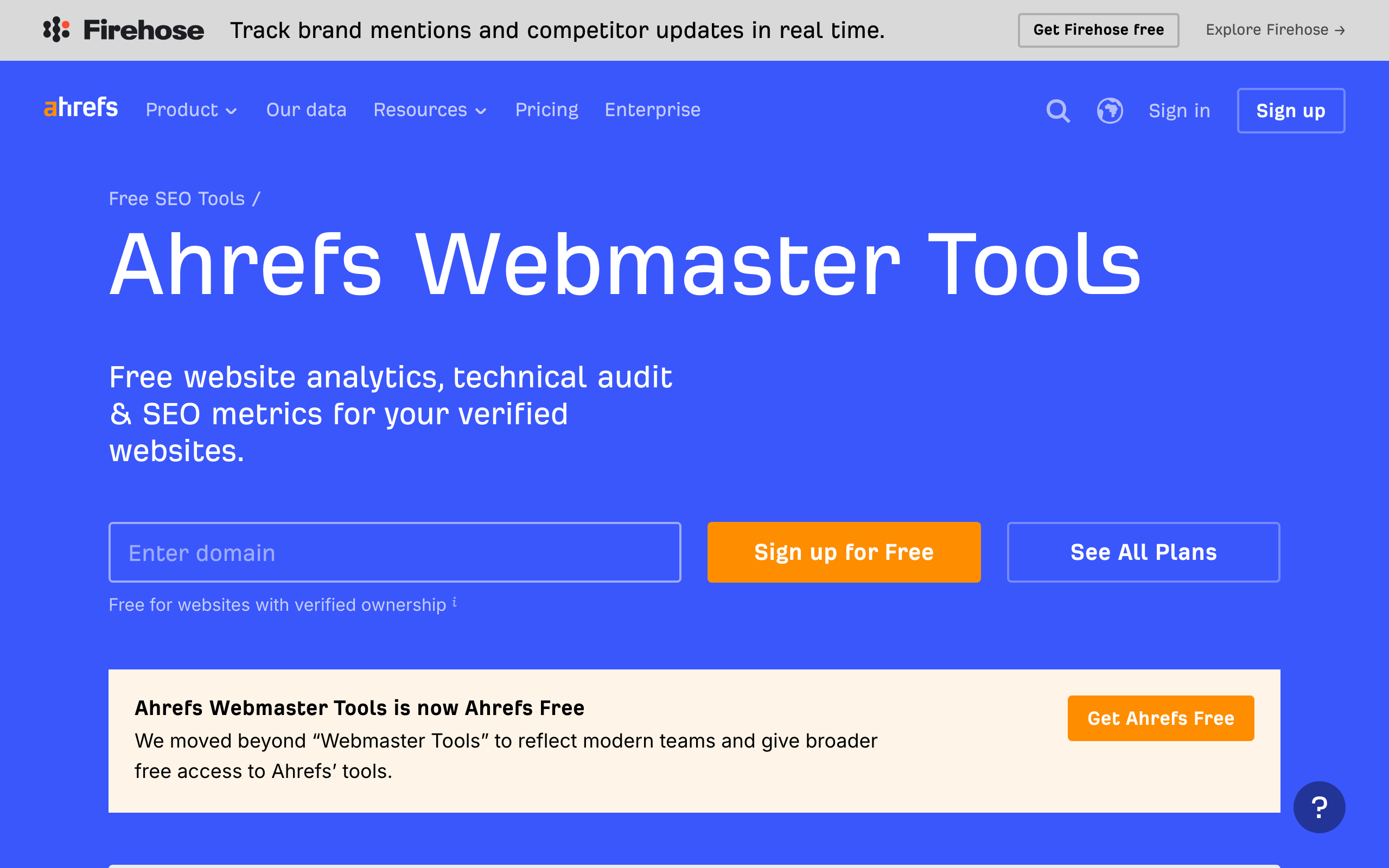
Free. The most underrated tool in this article, and the single change that makes a $0 stack genuinely usable. I use it.
What you can do: verify a site and get Site Audit across 170 or more technical and on-page issues with 5,000 crawl credits a month per project, Site Explorer showing up to 1,000 of your backlinks and keywords, and Web Analytics to a million events a month. You can verify unlimited sites. For a site you own, this is strictly better than a free crawler, and it covers most of what a paid audit tool sells.
What you cannot do: analyse sites you do not own, which is the gap Screaming Frog fills. Keywords Explorer and Rank Tracker are not included either, which is what the $29 Starter plan is for.
Screaming Frog SEO Spider
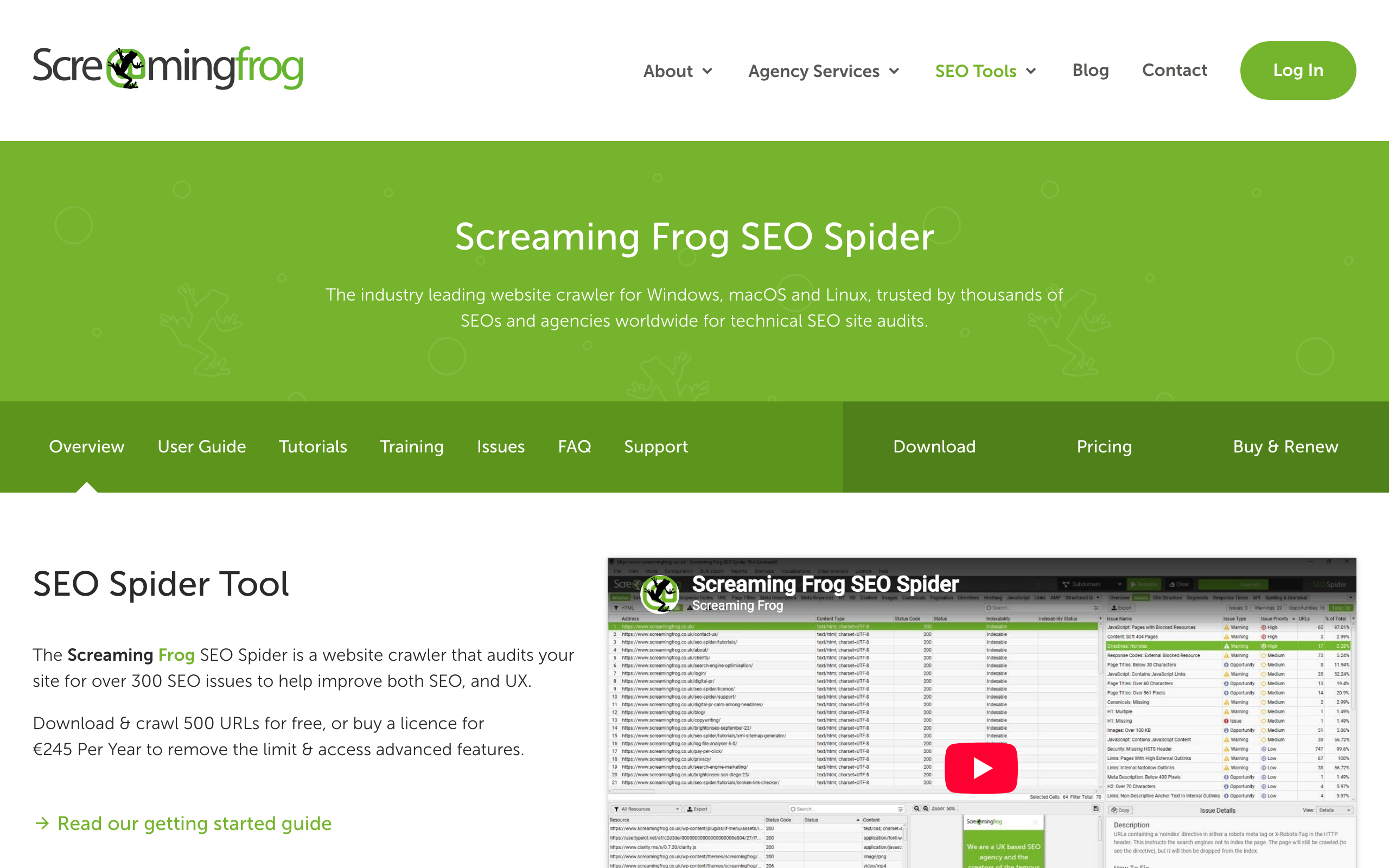
Free to 500 URLs, then €245 a year.
What you can do free: crawl any site up to 500 URLs with the same 28 or more features as the paid licence, including JavaScript rendering, broken link detection, metadata analysis, and Google Analytics and Search Console connections. Crucially, you can crawl sites you do not own, which makes it the right tool for competitor teardowns.
What you cannot do free: crawl past 500 URLs, which rules out anything but a small site, and you lose saving and scheduling. The paid licence is the single most defensible €245 in technical SEO, but only once you outgrow the free ceiling.
SEOptimer
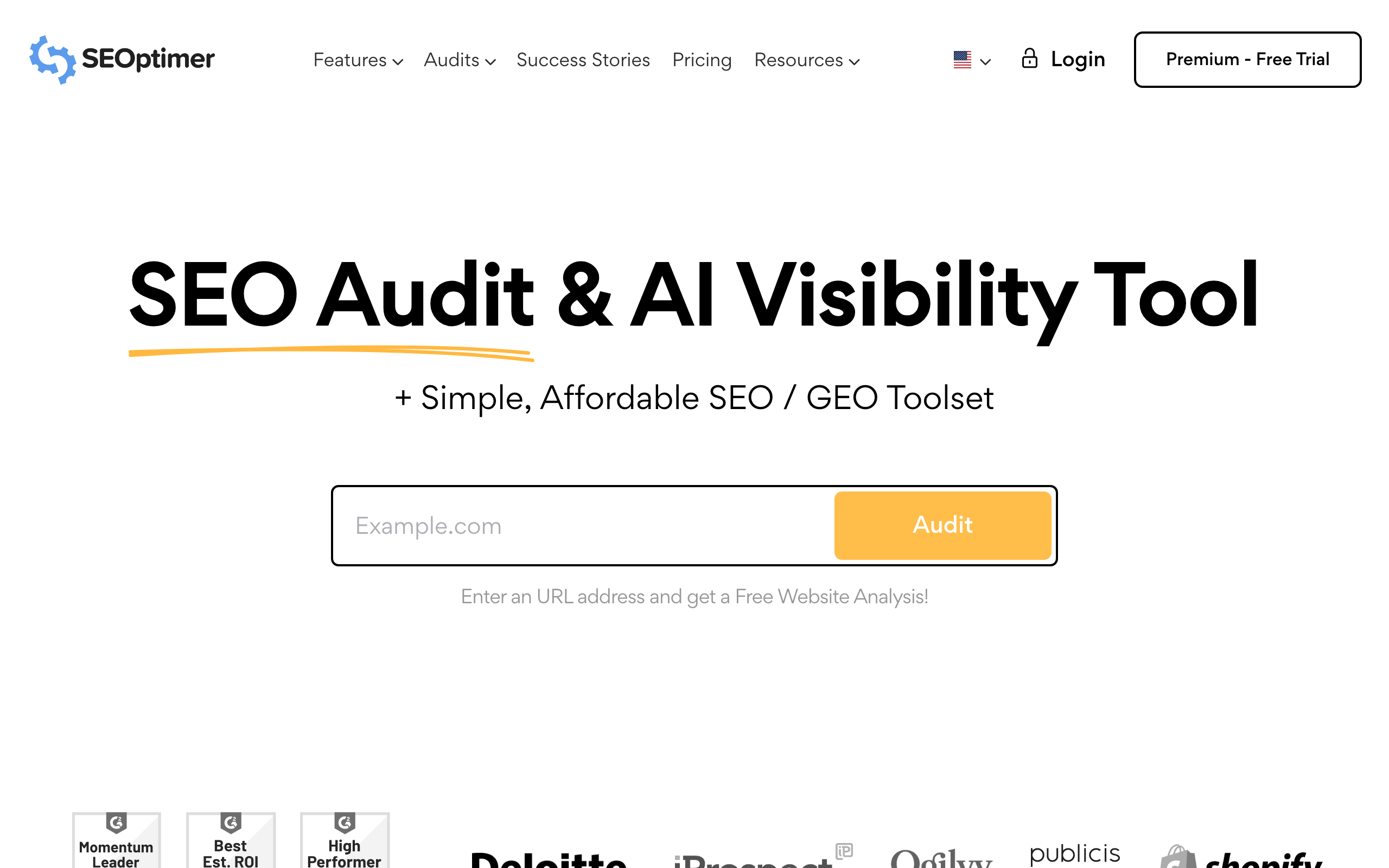
$29 / $39 / $59 a month, 25% off annually.
What you can do at $29: run 4 crawls on one site, track 20 keywords, and run 25 keyword and 25 backlink searches, with reports that translate technical findings into prioritised, readable tasks.
What you cannot do at $29: produce white-label PDFs, which start at $39, embed audit forms on your own site, which is the $59 tier, or add users. Buy this for the report rather than the data. If nobody but you reads the audit, the free tools cover the same ground.
SEO PowerSuite
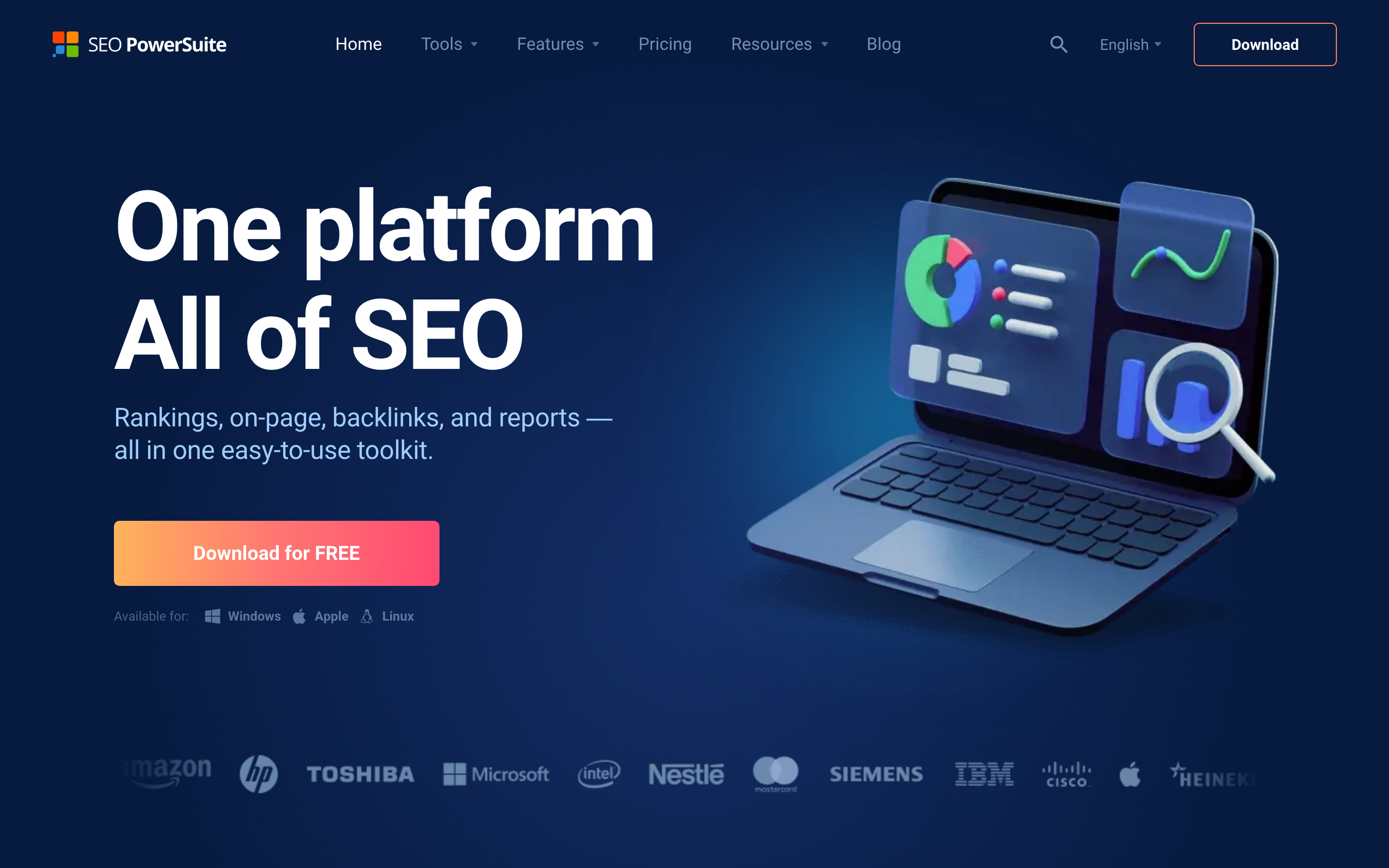
Free forever, then €349 a year for Professional. Desktop software rather than a subscription, which some people strongly prefer.
What you can do: run four tools from one licence covering rank tracking, site auditing, backlink research and link management. Professional gives unlimited projects and keywords, full site auditing and five competitors per project, at about €29 a month equivalent.
What you cannot do on the free tier: save anything. You get one project, 500 URLs, 1,100 backlinks and one competitor, and closing the app loses your work. That single limitation is what makes the free version a demo rather than a stack component.
PageSpeed Insights
Free. Core Web Vitals and specific performance fixes, measured on real Chrome user data where Google has enough of it. Like Keyword Planner it is a Google property with no product page to screenshot, and there is no paid tier to consider.
Claude SEO skills
Free, MIT licensed. If you already use Claude Code, open-source skill packs run technical audits, schema validation and Core Web Vitals checks from the terminal at no cost. The best of them ship real Python and a headless browser rather than just prompting the model, so they measure a page instead of reasoning about it. We installed and ran the twelve most-starred packs in best Claude SEO skills, including which ones are free in practice and which go inert without a paid API key.
Cheap SEO tools for rank tracking and analytics
Google Search Console
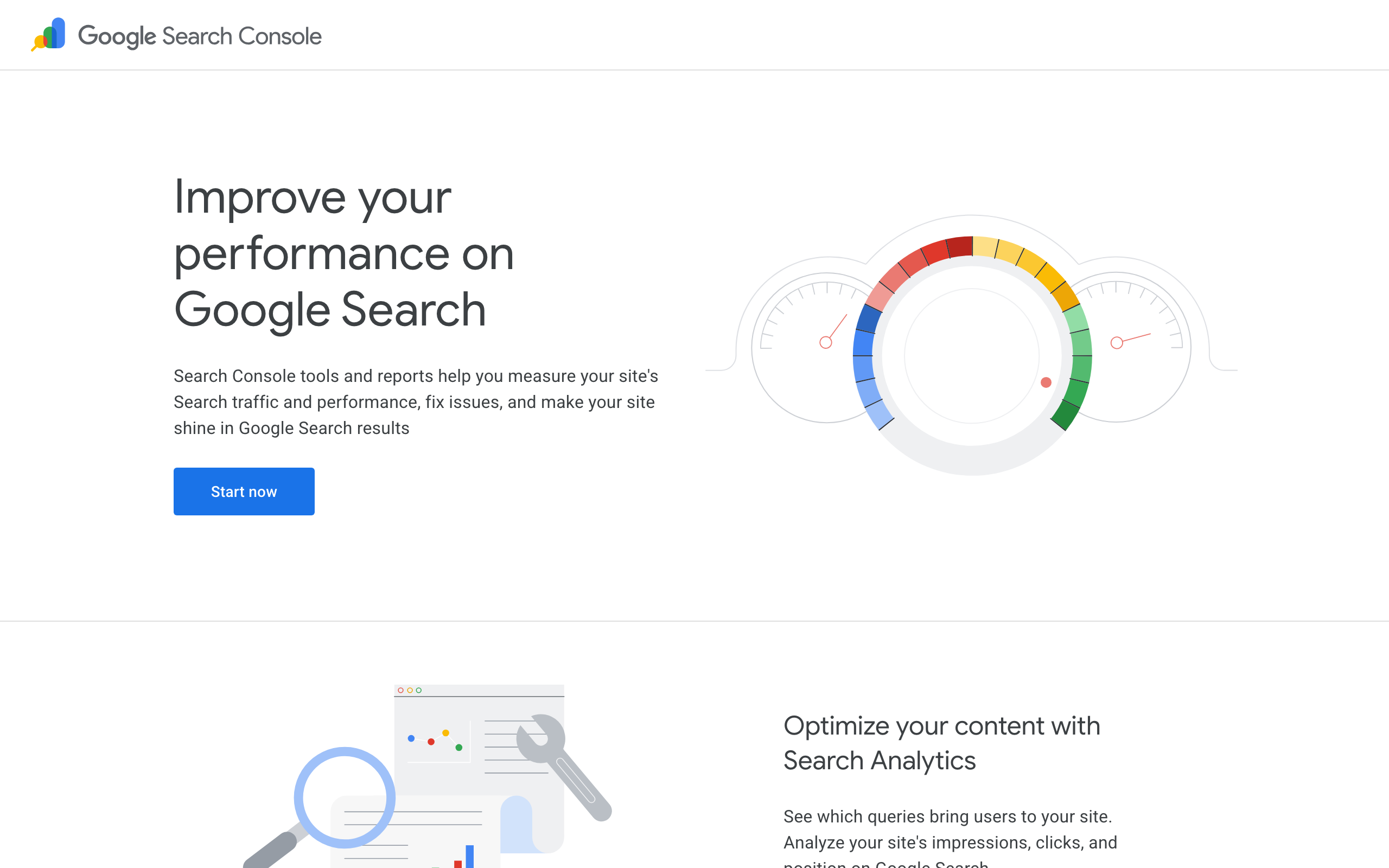
Free. At this budget it replaces most paid rank tracking outright.
What you can do: see real impressions, clicks, average position and click-through rate for every query you actually rank for, check indexing and submit sitemaps, and monitor Core Web Vitals. This is measured data about your own site rather than a third-party estimate, which makes it more accurate than any paid tracker for keywords you already rank for.
What you cannot do: track a keyword you have no position for yet, which is the one real gap and the reason a $5 rank tracker still earns its place. History is also capped at roughly 16 months.
SerpRobot
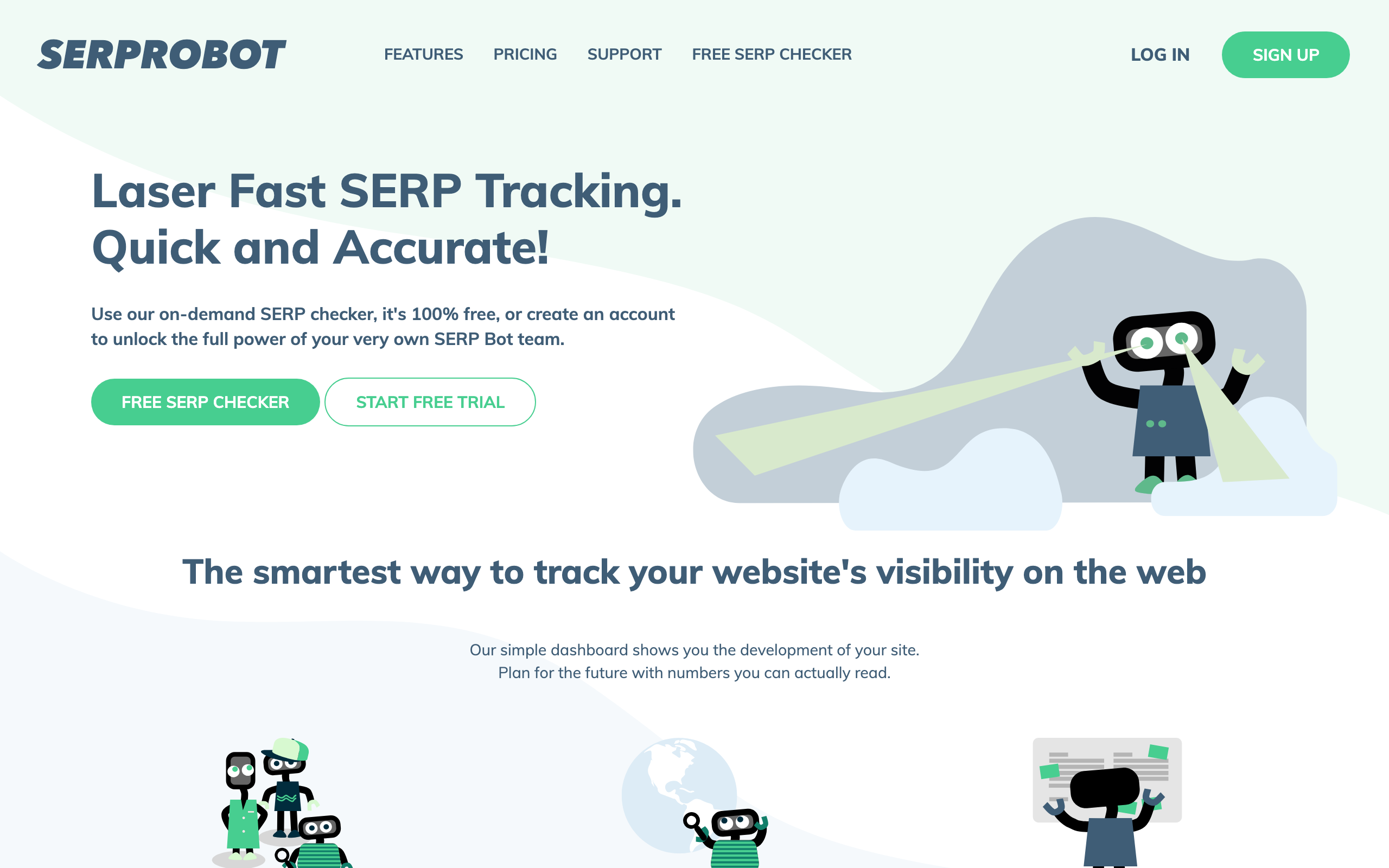
$4.99 a month per bot. The cheapest dedicated rank tracker I found, and at five dollars the paid tool that is hardest to argue with.
What you can do: track 75 keyword updates every 24 hours per bot, on desktop and mobile, with exports to share. Need more? Add bots, and pricing scales linearly, so 150 daily keyword checks costs about ten dollars. There is a 14-day trial with no payment required.
What you cannot do: anything else. It tracks rankings and does not pretend to be a suite, which is precisely why it is cheap.
BrightLocal
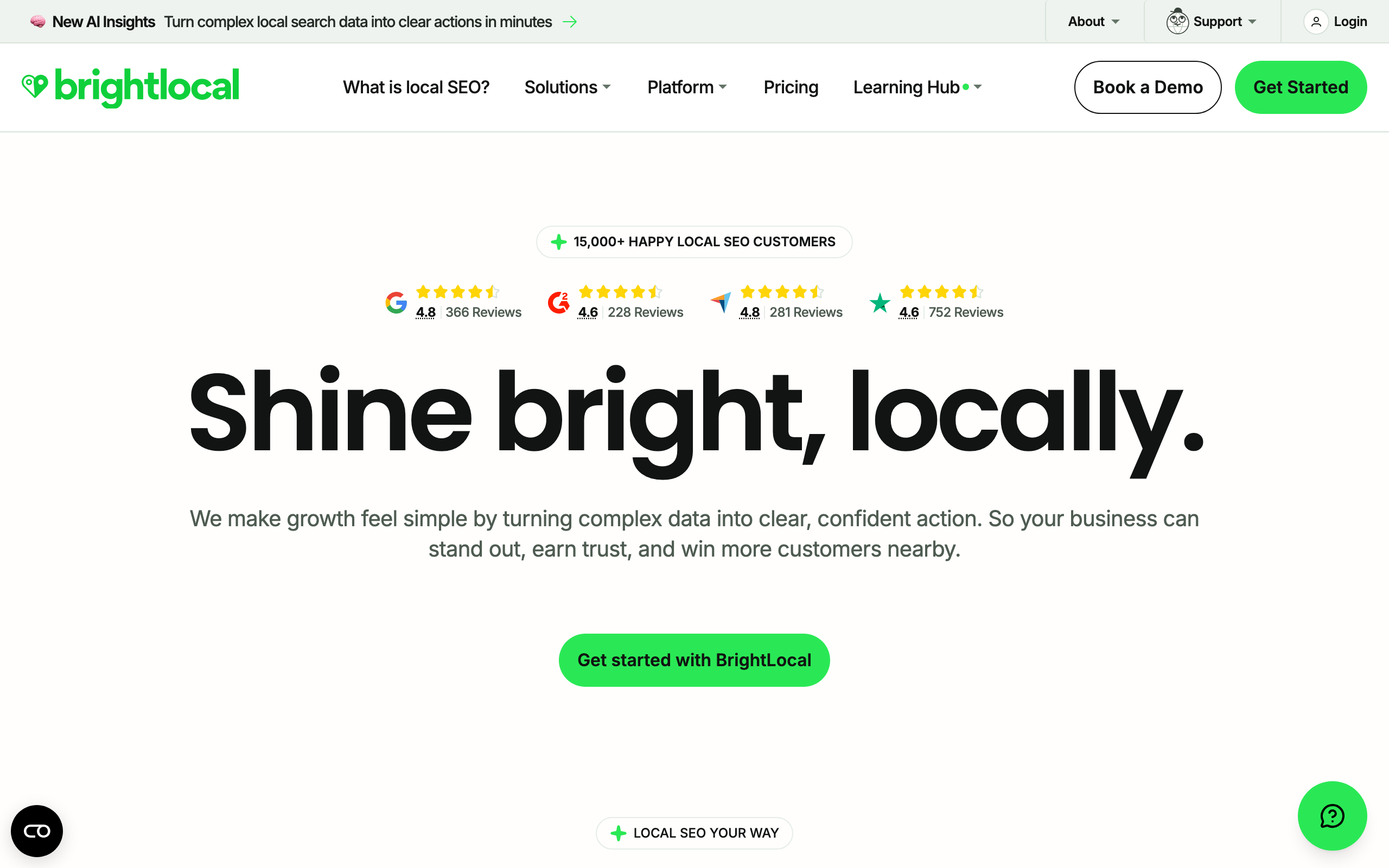
Price on request. This entry is a finding rather than a recommendation.
What you can do: track local rankings across 100 keywords and four competitors, view geo-grid visualisations, track citations, audit a Google Business Profile, and on higher tiers monitor and collect reviews. Citation Builder is still publicly priced from $2 a citation, and managed SEO from $1,299 a month. There is a 14-day trial with no card.
What you cannot do: find out what the platform costs before you ask. All three tiers now say price on request. The product is well regarded for local work, but a tool that will not publish a price cannot be planned into a fixed budget, which is disqualifying in this context until it changes.
Google Analytics 4
Free. Traffic, conversions, and attribution for organic sessions. Worth pairing with Search Console rather than choosing between them: Search Console tells you what happened in search results, GA4 tells you what happened after the click. Another login-gated Google property with nothing to screenshot.
Bing Webmaster Tools
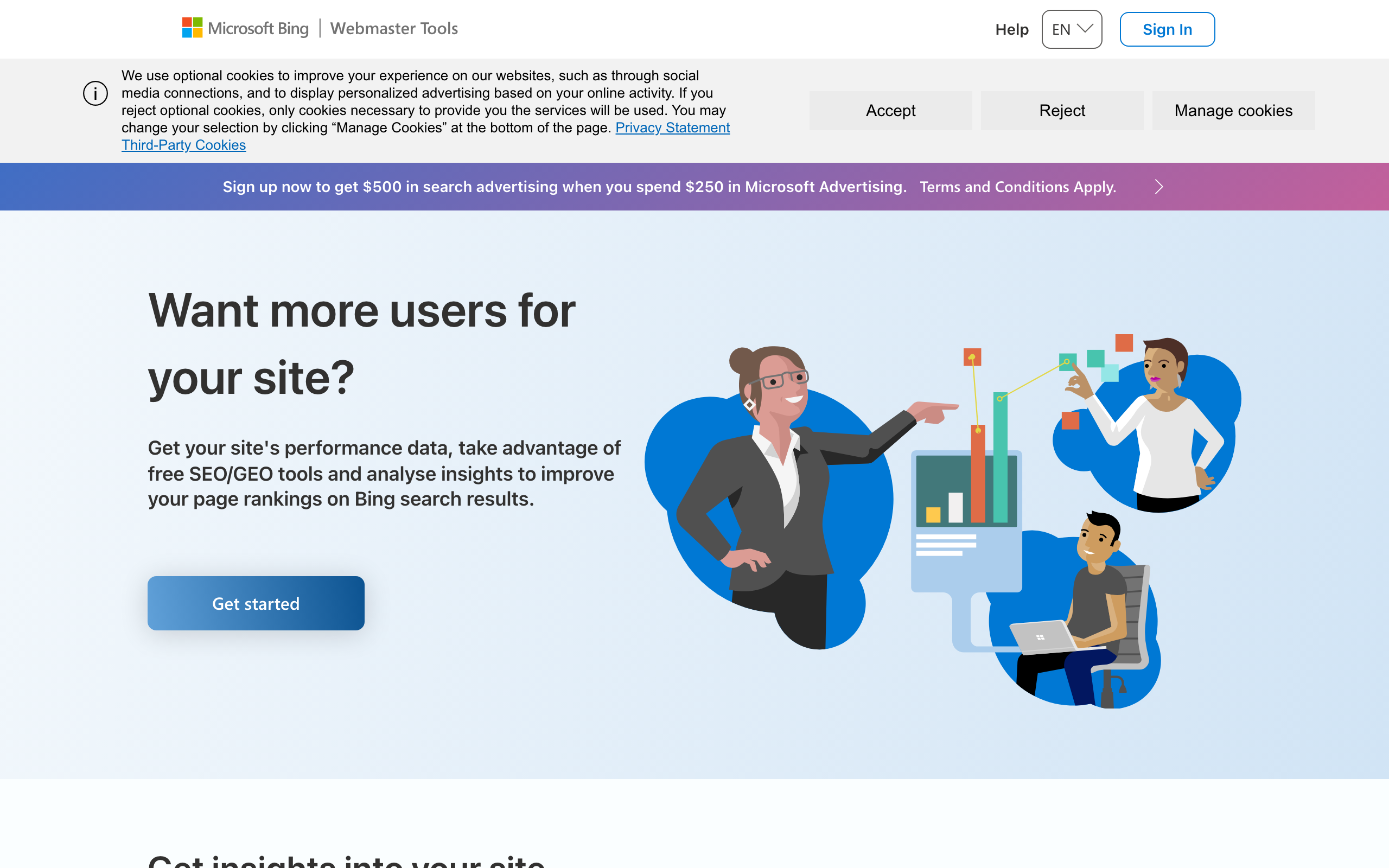
Free.
What you can do: get a second set of query data, keyword research, backlink data and site diagnostics for your own site, from an index that is not Google's. It also matters more than its market share suggests, because Bing's index feeds ChatGPT's web search and Microsoft Copilot. If you care about AI visibility on a budget, verifying here costs nothing and is more directly useful than a tracking subscription.
What you cannot do: use it as a Google proxy. Rankings and query mix differ, sometimes considerably, so treat it as a second opinion rather than a substitute for Search Console.
Low cost link building tools
This is where the budget goes.
AutoBacklinks
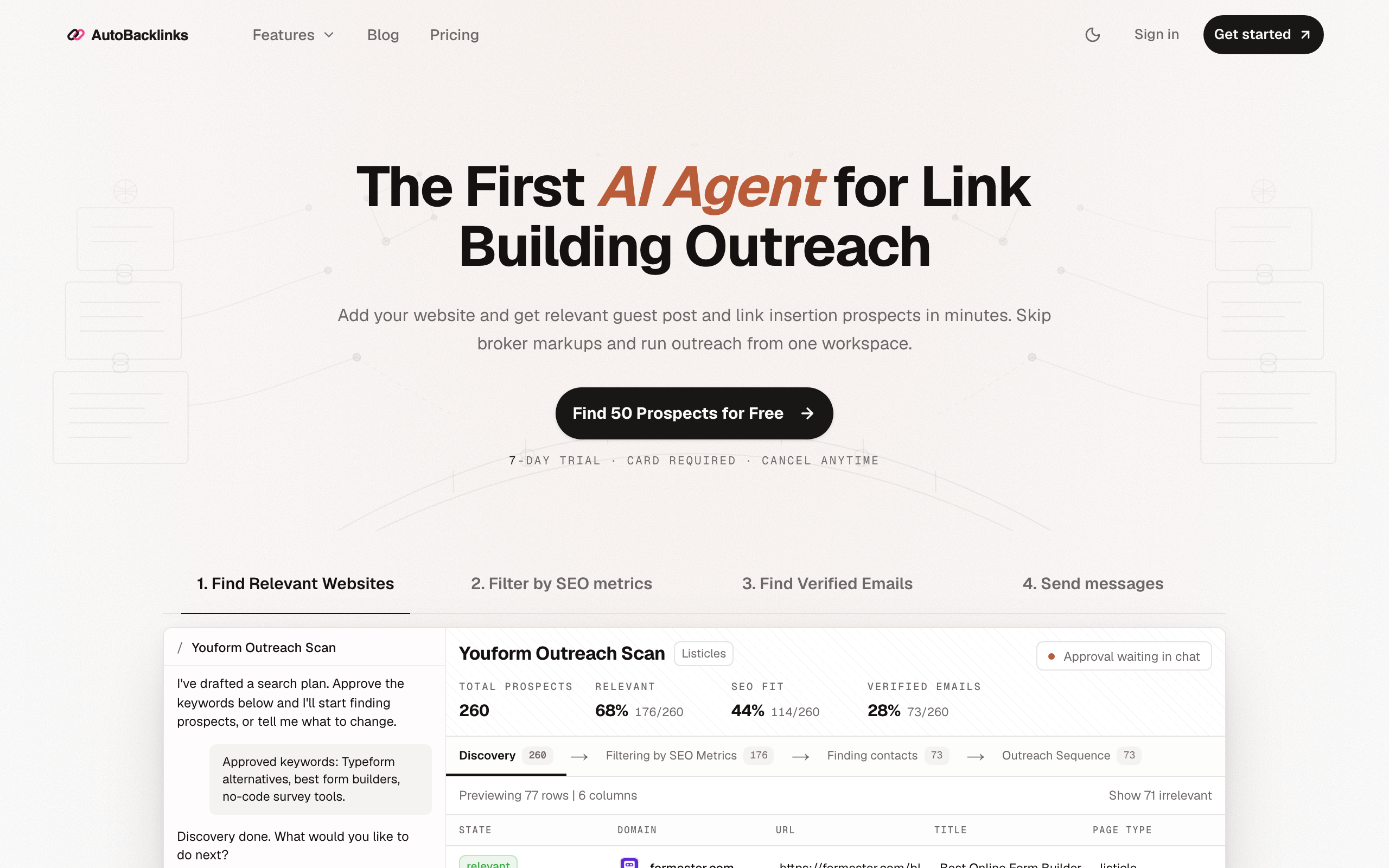
$79 / $179 / $399 a month. This is our tool, so read this as a spec sheet rather than a review.
What you can do: run prospect discovery from web scans and competitor backlink scans, filter prospects on DR, organic traffic, referring domains and backlinks, pull verified contacts, generate a personalised email and follow-ups written from each prospect's own page, send, and track replies. The same workflow is on the MCP server if you would rather run it from Claude, ChatGPT, or Cursor. Starter is 2,500 credits, two websites, two mailboxes, and about 1,500 campaign emails a month. Growth is 7,500 credits and roughly 4,500 emails. Yearly billing charges eleven months for twelve. There is a seven-day trial with 120 credits, and a card is required. Starter at $79 includes follow-ups and AI drafting, so compare it to BuzzStream Growth at $174, not to BuzzStream's $49 CRM.
What you cannot do: rank tracking, site audits, or keyword dashboards, because it is not an SEO suite. It will not write your guest posts. It does not sell or broker links, so there is no marketplace to buy from, and there are no ranking guarantees.
BuzzStream
$49 / $174 / $424 a month, custom from $999. The long-standing outreach CRM.
What you can do at $49: manage one user and 500 contacts, run 30 prospecting searches a month, discover contacts, use templates and the Chrome extension, and monitor up to 1,000 links.
What you cannot do at $49, and this is the detail that matters on a budget: automated follow-ups start at Growth, $174 a month. So do bulk email, scheduling, team sharing, performance reports and the Ahrefs integration. Follow-ups are where a large share of replies come from, which makes the $49 tier closer to a contact manager than a campaign tool. Worth knowing before you buy the cheap plan expecting sequences.
Pitchbox
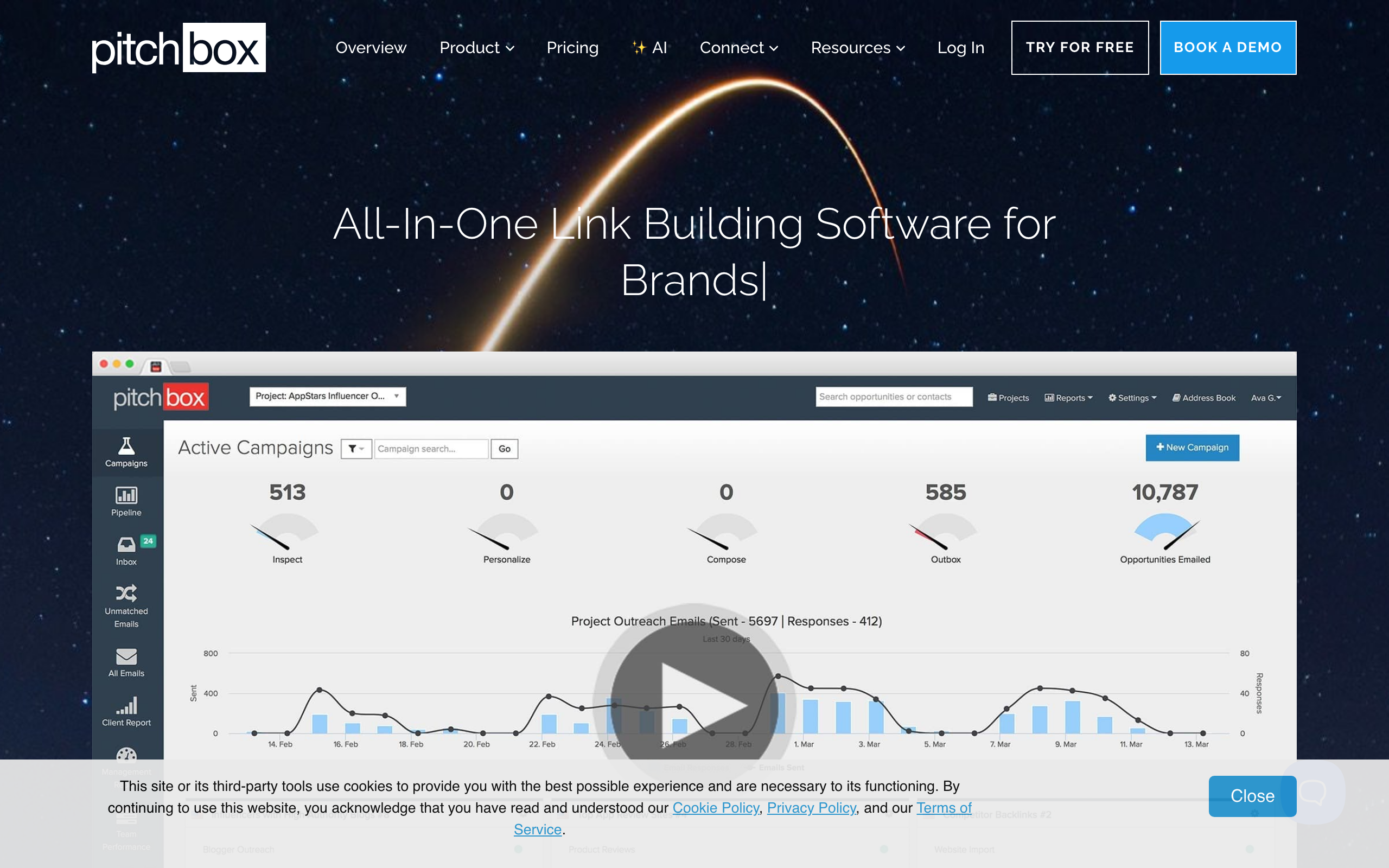
$210 / $420 / $825 a month, billed annually.
What you can do at Pro: two users, 2,000 outreach emails a month, 1,000 prospecting searches, 25 campaigns, 50,000 contacts, and 600,000 data credits a year.
What you cannot do: treat it as a low cost option, or pay month to month. It is a capable platform priced for teams that already know their cost per link and can justify an annual commitment. Included here so you can see where the category tops out.
Respona
$100 to $500 per placement. Respona no longer sells a self-serve subscription, which matters because a monthly tool is what most people expect from the name.
What you can do: buy an outcome at a known price. Placements are tiered by the publisher's Domain Rating: $100 at DR 20+, $160 at DR 30+, $240 at DR 40+, $400 at DR 50+, and $500 at DR 60+. Content, outreach and publishing are included, you control anchors and URLs, and volume discounts scale with monthly spend.
What you cannot do: run your own campaigns, own the publisher relationships afterwards, or use it as software. Express turnaround carries an extra fee.
Hunter
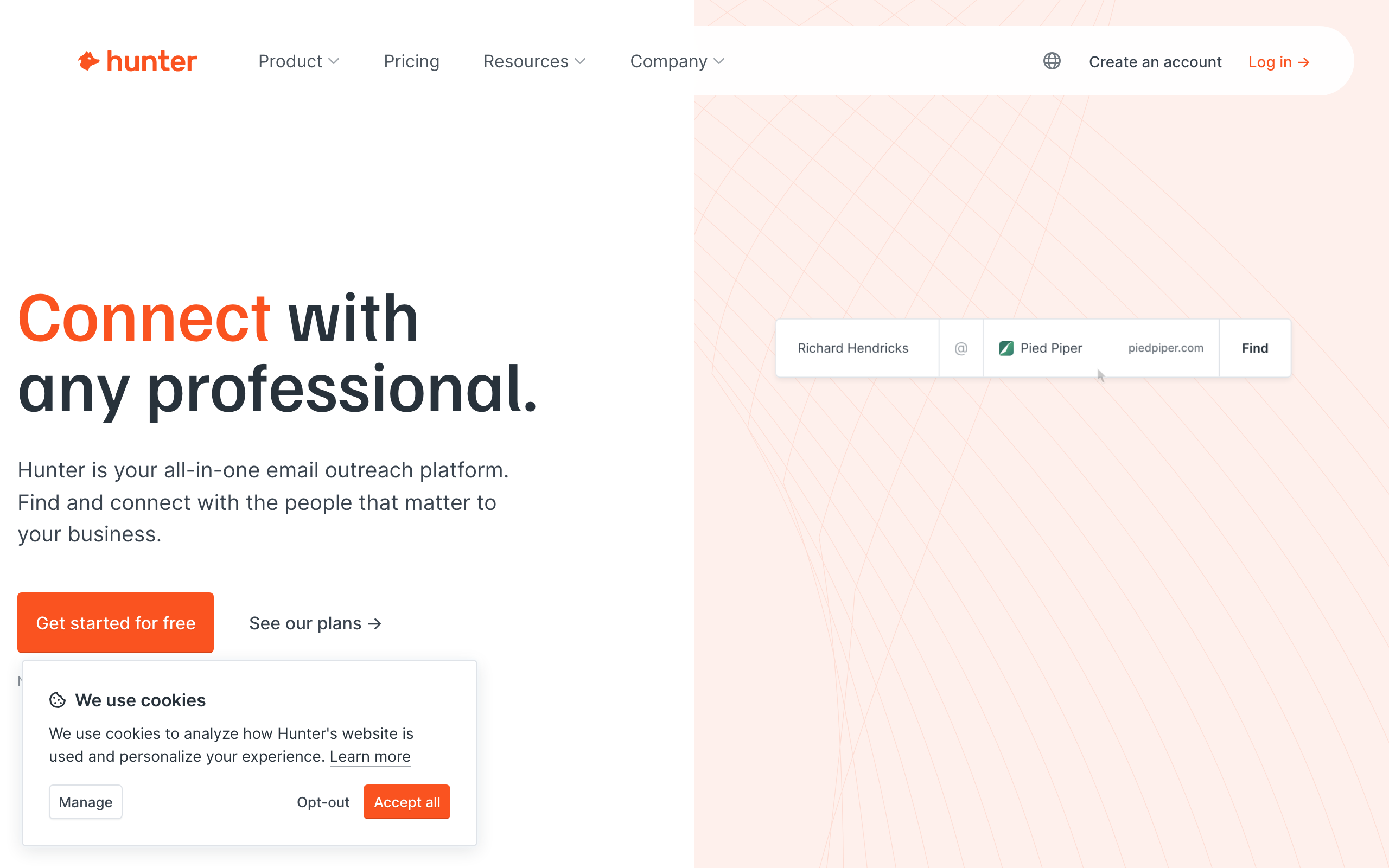
Free for 50 credits a month, then €49 / €149 / €299.
What you can do: find and verify email addresses for domains you already have. One credit finds an email, half a credit verifies one, so the free 50 credits covers a small campaign each month without paying anything.
What you cannot do: prospect. Hunter will not tell you which sites are worth pitching, which is the hard half of link building. It is an excellent component and a poor strategy on its own.
Low cost AI visibility tools
The newest line item, and the one most likely to waste a small budget. Here are the options, then an argument for not buying one yet.
Otterly.ai
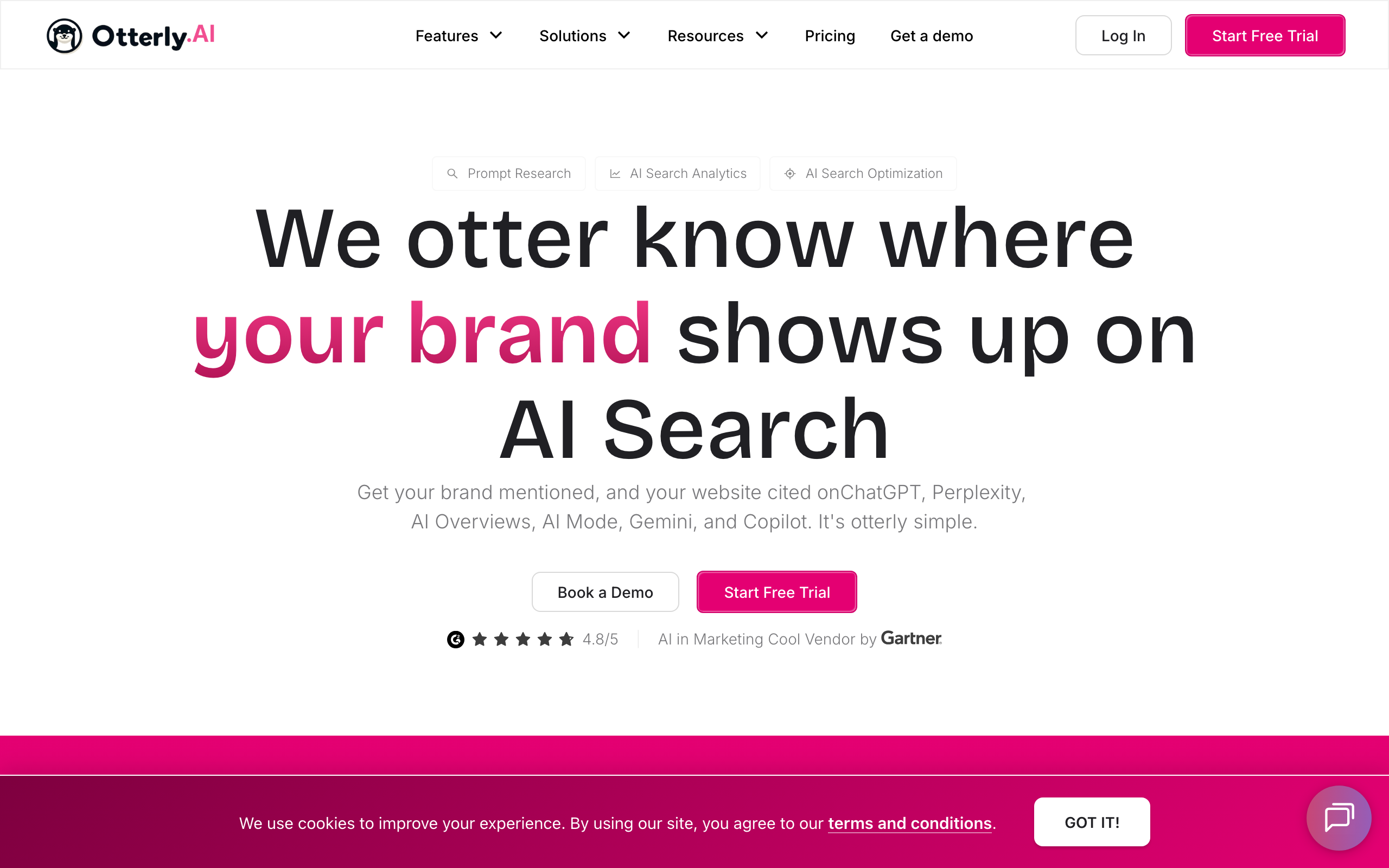
$29 / $189 / $489 a month, 15% off annually. The cheapest credible subscription entry point.
What you can do at $29: track 15 prompts across ChatGPT, Google AI Overviews, Perplexity and Microsoft Copilot, refreshed daily, with unlimited team members.
What you cannot do at $29: use the API, MCP access or Agent Analytics, which all start at $189. Claude, Gemini and Google AI Mode are paid add-ons on every tier. Fifteen prompts is enough to monitor a brand name and a couple of category terms, not a content programme.
Ahrefs Brand Radar
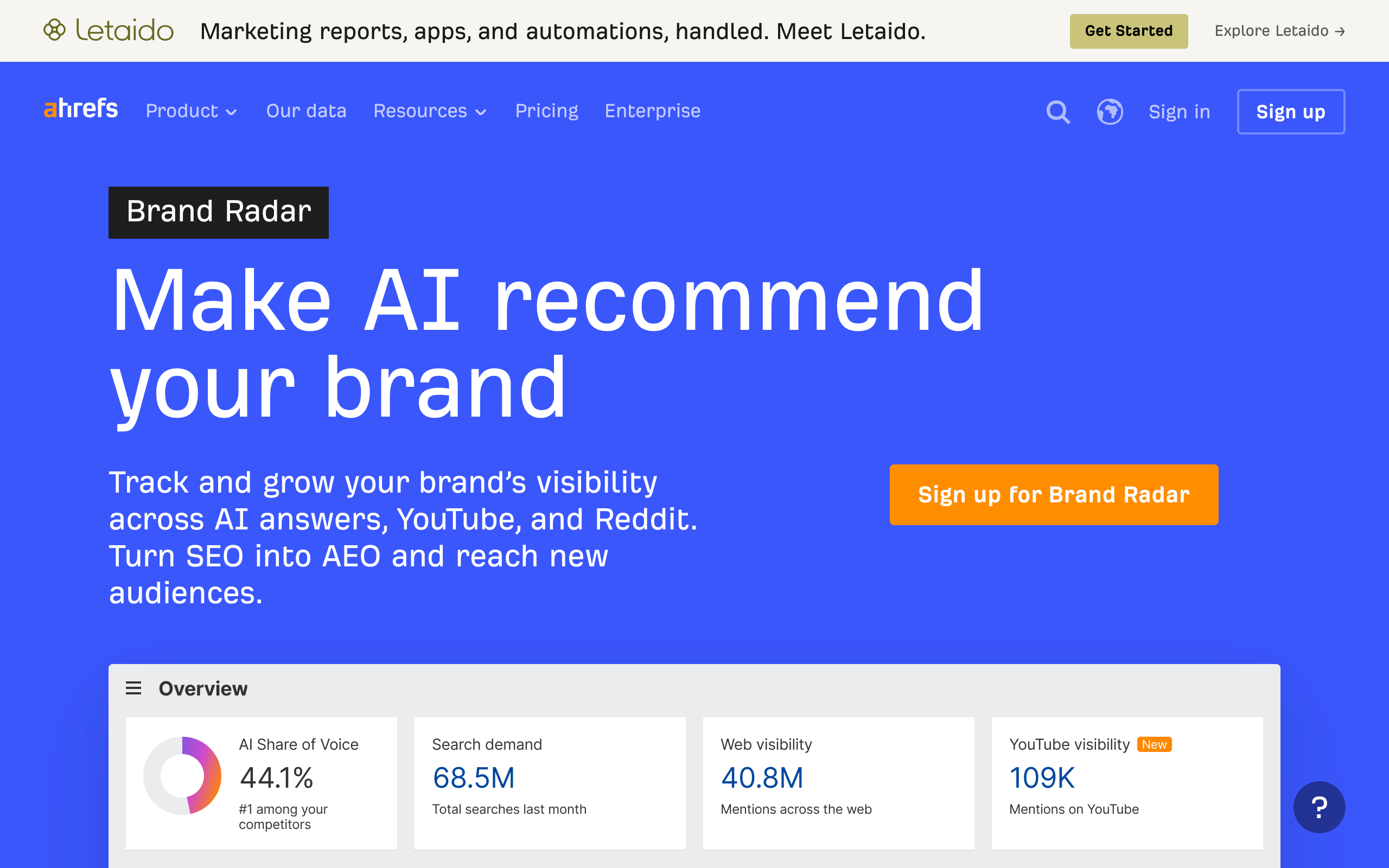
Custom prompt packages from €46.70 a month, full Brand Radar from €179.
What you can do: track your own prompts on a metered package. €46.70 buys 2,500 checks a month, €93 buys 7,000 and €234 buys 25,000, where one check is one prompt on one platform in one location. Overage is billed monthly at a few tenths of a cent per check.
What you cannot do: justify it easily unless you are already inside Ahrefs, since the full research product starts at €179. As a bolt-on to an existing subscription it is the cheapest route to real prompt tracking.
Peec AI
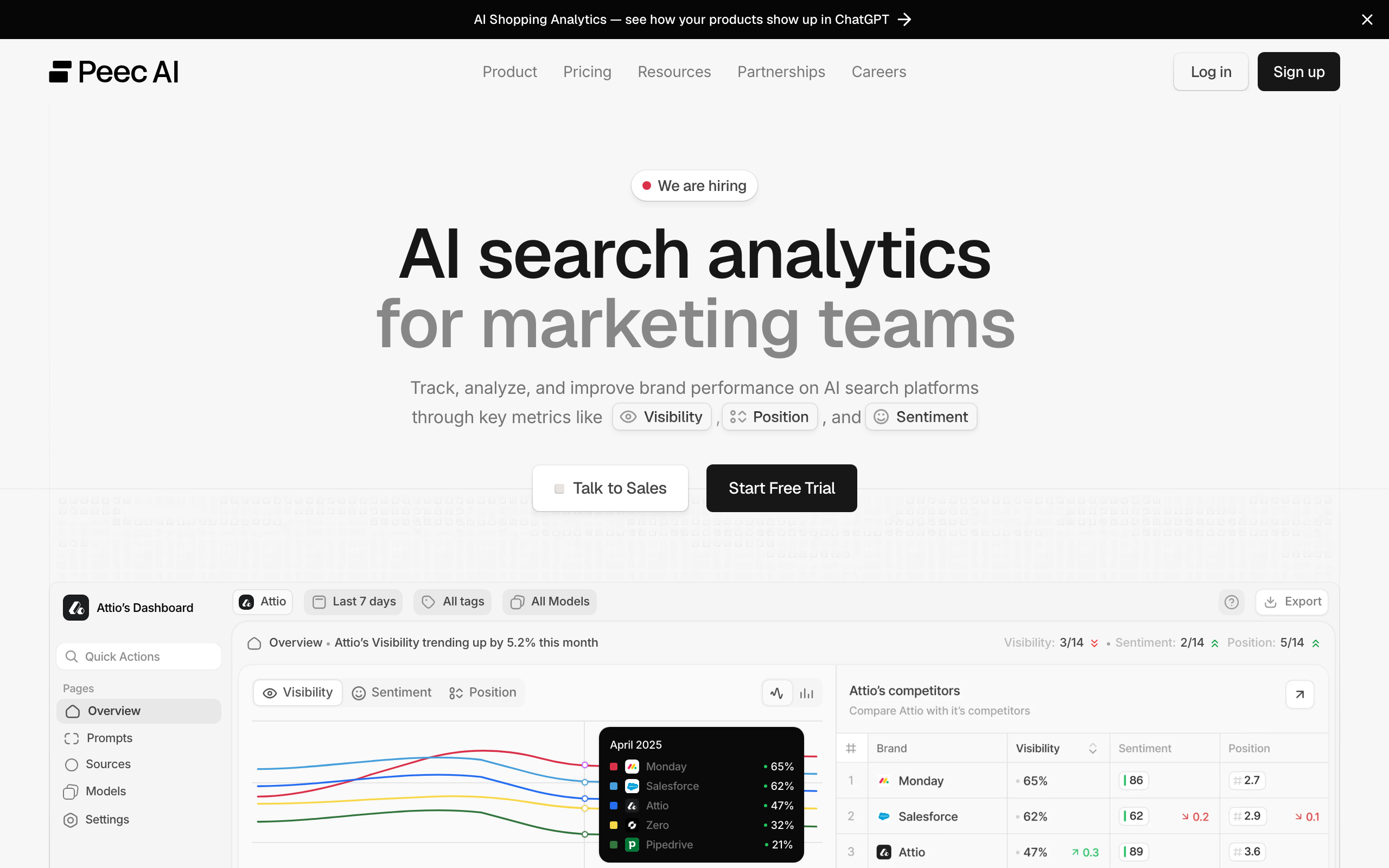
€85 / €205 / €425 a month.
What you can do at €85: track 50 prompts across three models you choose during onboarding, on one project, refreshed daily, with unlimited users.
What you cannot do at €85: run multi-country tracking or connect Looker Studio, which are Advanced features at €425, or track more than one project. Well built and clearly priced for teams rather than solo operators.
Now the honest part. Under $300 a month, tracking your AI visibility tells you something you cannot act on. The lever that moves AI citations is the same lever that moves rankings: getting named on relevant pages that AI systems already read. We covered the evidence in how many backlinks you actually need, where brand mentions predicted AI Overview visibility considerably better than raw link counts. Spend the $29 on outreach first, and buy the tracker once you have something to track.
What one backlink actually costs
Almost nobody prices this line item, so here is the range.
BuzzStream analysed a link marketplace database of roughly 500,000 sites, with complete data on 257,000 of them, and found a guest post costs $295 on average bought as directly as the data allows, and $461 through a vendor. That is a 56% premium for the convenience layer.
Their companion study of 421,259 sites found link insertions average $179, cheaper than guest posts because there is no article to write. Only 14.9% of sites offer them at all, so they are the cheapest bought route and the hardest to find at volume.
Earning them instead of buying them costs time rather than money. In one campaign we sent 187 emails, 155 were opened, 32 people replied and 6 bounced: a 17.1% reply rate, which was high because the prospecting was good, not because the copy was clever. Across campaigns, fifteen links works out to somewhere between 350 and 1,700 emails depending on list relevance. Call it 23 to 113 emails per earned link.
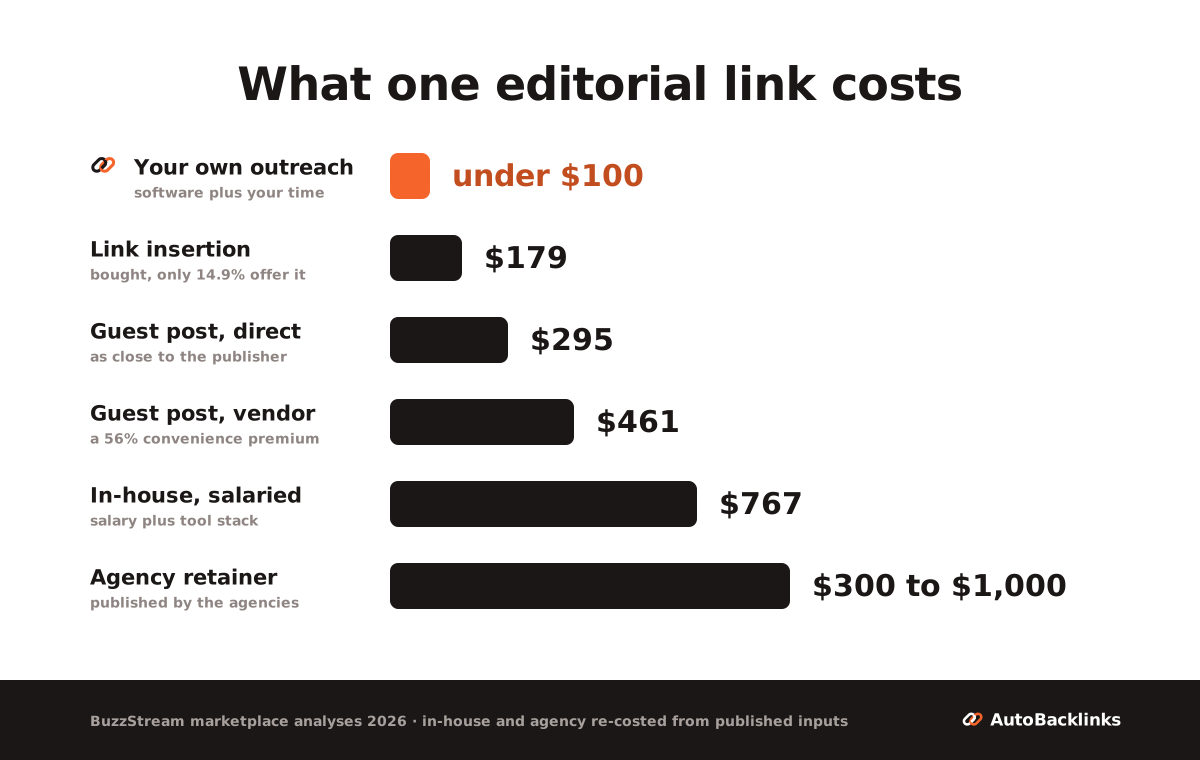
The practical read for a small budget: buy insertions if you want links fast, earn them if you want them cheap, and do not assume an agency retainer is overpriced, because at $300 to $1,000 per link it broadly matches what the work costs.
The ceiling: where a cheap SEO stack stops working
One last thing worth knowing before you spend anything, because it decides whether any of the tools above will work for you.
No stack, free or paid, ranks a page that is hundreds of links short of its competition. So the useful question is not which tool to buy, it is which keywords your situation can actually reach.
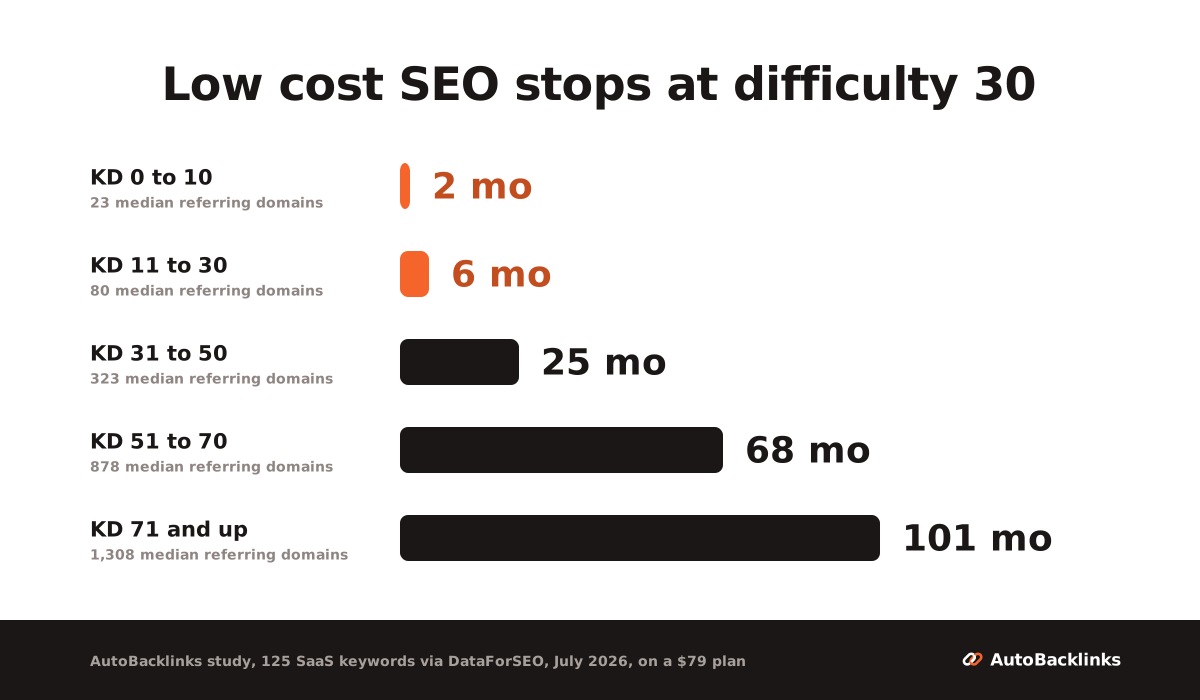
In July 2026 we pulled the backlink profiles of the top-10 pages for 125 commercial SaaS keywords. Median referring domains per ranking page came out at 23 for difficulty 0 to 10, 80 for 11 to 30, 323 for 31 to 50, 878 for 51 to 70, and 1,308 above that.
Now put a budget against it. Take the conservative end of our range, 113 emails per link. Starter's roughly 1,500 emails a month gets you about 13 links a month.
| Difficulty | Median referring domains | Months on a $79 plan |
|---|---|---|
| 0 to 10 | 23 | about 2 |
| 11 to 30 | 80 | about 6 |
| 31 to 50 | 323 | about 25 |
| 51 to 70 | 878 | about 68 |
| 71 and up | 1,308 | about 101 |
The practical ceiling sits at roughly difficulty 30. Below it, a modest outreach budget closes the gap inside a normal content cycle. Above it the arithmetic collapses, and the right response is to change the keyword rather than upgrade the plan. Twenty-five months is not a strategy.
Two caveats, because a benchmark without caveats is a trap.
The 23 to 113 emails per link range is wide, and where you land inside it is decided almost entirely by how relevant your prospect list is. Better prospecting is worth more than better copy, every time.
And difficulty scores track link counts well on average and badly per keyword. Inside the 11 to 30 tier alone we found one keyword needing 8 referring domains and another needing 2,386. The tier table is a starting point. The real number is the median referring domains of the pages currently ranking for your exact keyword, which takes about twenty minutes to pull yourself.
So the practical version of low cost SEO is not "buy cheaper tools." It is: pick keywords your site can actually reach, then let the free stack do the rest. Difficulty 30 is a reasonable line to draw on a small budget.
A 90-day SEO plan on a small budget
Weeks 1 and 2, spend nothing. Verify your site in Ahrefs Webmaster Tools and Search Console. Run the audit, fix what it flags, compress your images, and crawl with Screaming Frog if you are under 500 URLs. Pull your current positions from Search Console so you have a baseline.
Weeks 3 to 8, research and publish. Check demand direction in Trends, find keywords in Keyword Planner or a $24 tool, and map the questions with AlsoAsked. Install Rank Math and fix titles, meta and schema as you publish. This phase is where most of the ranking comes from, and it costs between $0 and $42 a month.
Weeks 9 to 12, measure and then decide about links. Search Console will show which pages are gaining impressions. For any page that is stuck, pull the SERP and compare the referring domains of the pages at positions 4 through 10 against your own. If the gap is small, outreach closes it. If the gap is in the hundreds, the honest move is to target an easier keyword rather than to buy a bigger plan.
At the end of 90 days you will have a fixed site, published pages, a baseline, and a measured link gap. That is the point at which spending on the two paid categories starts making sense, and not before.
Which SEO tools to cut first when the budget shrinks
In this order.
Cut the AI visibility tracker. It reports, it does not move anything.
Cut the content optimisation tool. A SERP and a free question tool get you most of the way to the same brief.
Cut the paid rank tracker. Search Console covers the keywords you already rank for, which are the ones that matter this quarter.
Cut the paid audit tool. Ahrefs Webmaster Tools and Screaming Frog's free tier overlap with almost all of it.
Cut the second keyword tool, which you probably did not realise you were paying for.
Cut the first keyword tool, and buy LowFruits credits when you actually need them.
Keep Rank Math Pro, or its free tier. At €8 a month it is the last thing worth cancelling.
What you should not cut, if you are trying to rank for anything commercial, is whatever you are doing about links. It is the one activity on this list with no free substitute, which is exactly why it is the last line to go.
For the wider picture on that last point, we have covered how many referring domains pages actually need and the honest cost math on outsourcing it.
Low cost SEO tools work. Four of the six activities are free, two are not, and knowing which is which is most of the job.
FAQ
Can I do SEO for free?
Four of the six SEO activities, yes. Ahrefs Webmaster Tools gives you a site audit across 170 or more checks free, Search Console gives you measured position data, Rank Math or Yoast handles on-page and schema, Keyword Planner and Trends cover research, and Screaming Frog crawls 500 URLs. That is enough to diagnose, fix, publish and measure a real site without paying anything. The two activities with no free option are link building and AI visibility tracking.
What is the best low cost SEO tool?
For keyword research, Ahrefs Starter at $29 a month is the strongest value, with the caveat that its 100 monthly credits run out quickly if you research in bursts. Keysearch at $24 gives you far higher volume limits at 200 searches a day. LowFruits is the best option if you want to avoid a subscription, at $25 for 2,000 credits. For technical work, Ahrefs Webmaster Tools is free and covers more than most paid audit tools for a site you own.
Is affordable SEO the same as cheap SEO?
They are usually presented as opposites, but that framing hides the real problem. Cheap SEO is not defined by a small budget, it is defined by spending on the wrong things. Paying $95 a month for two keyword tools that do the same job, while the activities with no free substitute go unfunded, is a cheap outcome at a real price. Affordable means covering each activity once, using the free option wherever a good one exists.
How much does SEO cost for a small business?
Agencies typically quote $1,000 to $2,000 a month at the affordable end and $1,500 to $5,000 for standard retainers, with one-off audits around $650 and consulting from $100 an hour. Doing it yourself, the software floor is $0 to $79 a month, because free tools now cover auditing, analytics and basic keyword research. The cost that does not disappear is links: bought guest posts average $295 direct and $461 through a vendor, link insertions average $179, and earning them yourself runs 23 to 113 outreach emails per link.
Can ChatGPT do SEO?
It can do the writing and analysis parts and none of the parts that require access or relationships. It will not verify a contact, send outreach, win a placement, or tell you your live rankings. Tracking your visibility inside AI answers is a separate purchase, from about $29 a month with Otterly or €46.70 with Ahrefs Brand Radar prompt packages. Under about $300 a month I would skip it, because the lever that moves AI citations is the same outreach that earns links.
Are low cost SEO tools enough for a new site?
For a new site the free stack is usually enough for the first few months, because the work that matters early is technical hygiene, on-page structure and publishing, all of which are covered at $0. The constraint is keyword choice rather than tooling. On our July 2026 data, top-10 pages for the easiest commercial keywords hold a median of 23 referring domains, but at difficulty 31 to 50 that median is 323. Target keywords a new site can realistically reach and the free tools carry you a long way.
About Rachid Idali
Founder & SEO Strategist
Rachid Idali has spent 10 years in SEO, running multi-six-figure SEO and link-building budgets across content, digital PR, and outreach programs. He writes about practical systems for finding relevant prospects, earning links, and turning SEO operations into repeatable pipelines.
More from Rachid Idali