

Review and edit website details
AutoBacklinks prepares a website profile, and you stay in control of every field.
After you add a website, AutoBacklinks prepares the information used to find prospects, suggest competitors, and write relevant outreach.
What we prepare
- Website name and description — what the business does
- Website type — for example, a software product, publication, or local business
- Target market — where your audience is located
- Target language — used for searches and outreach
- Service area — shown for local businesses
- Website features — the capabilities or services worth mentioning
- Target keywords — the topics you want to rank for
Change the profile later
- 01
Open Settings
Choose the correct website in the website switcher, then open Settings.
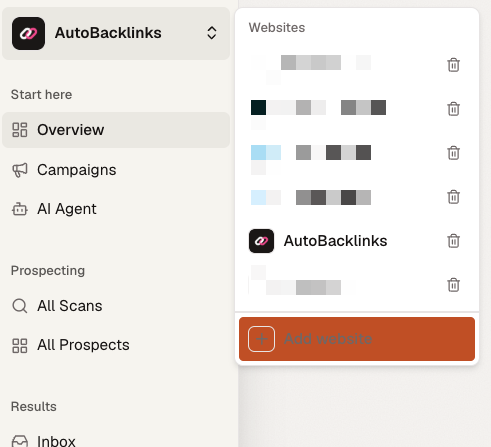
Use the switcher at the top of the sidebar to choose the website you want to edit. - 02
Open Website
The Website tab contains the profile used for prospecting and outreach.
- 03
Edit the fields
Update the URL, name, description, audience, features, or target keywords.
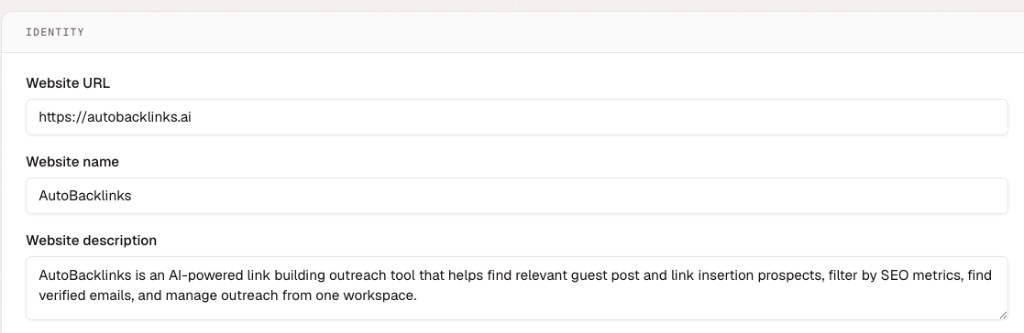
Identity contains the URL, name, and description AutoBacklinks uses for the website. 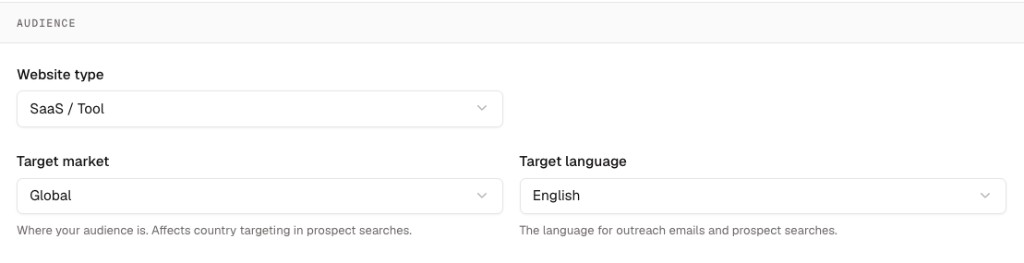
Audience settings control the website type, market, and language used for prospecting. 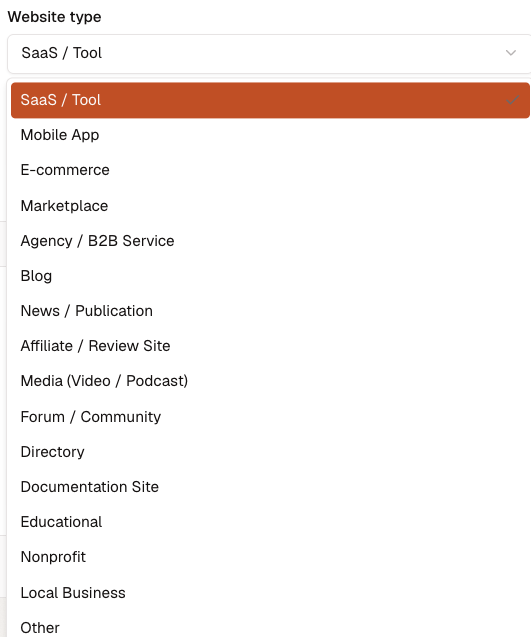
Choose the website type that most closely describes what you operate. 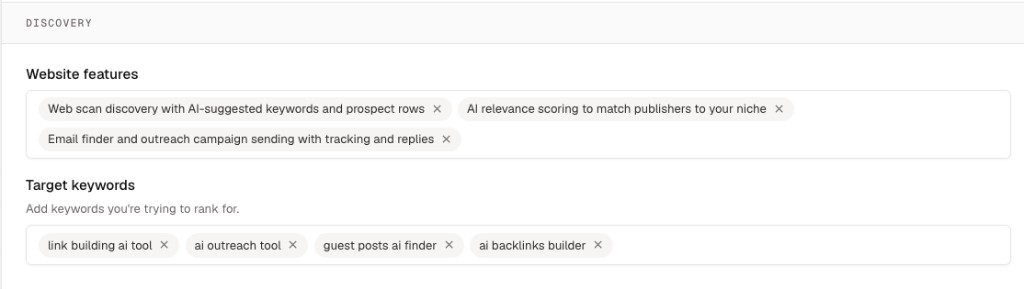
Discovery settings give searches and outreach more specific product and keyword context. - 04
Save changes
Click Save changes. Future searches and drafts use the updated information.
A useful website profile
- Explains the product in language a prospect would understand
- Names the audience you actually sell to
- Uses the correct market and language
- Includes specific features or services
- Lists focused target keywords instead of broad one-word topics