

Generate and review email drafts
A good draft should make sense for this prospect, not any prospect.
- 01
Open the campaign Queue
Prospects under Needs copy are ready for email generation.
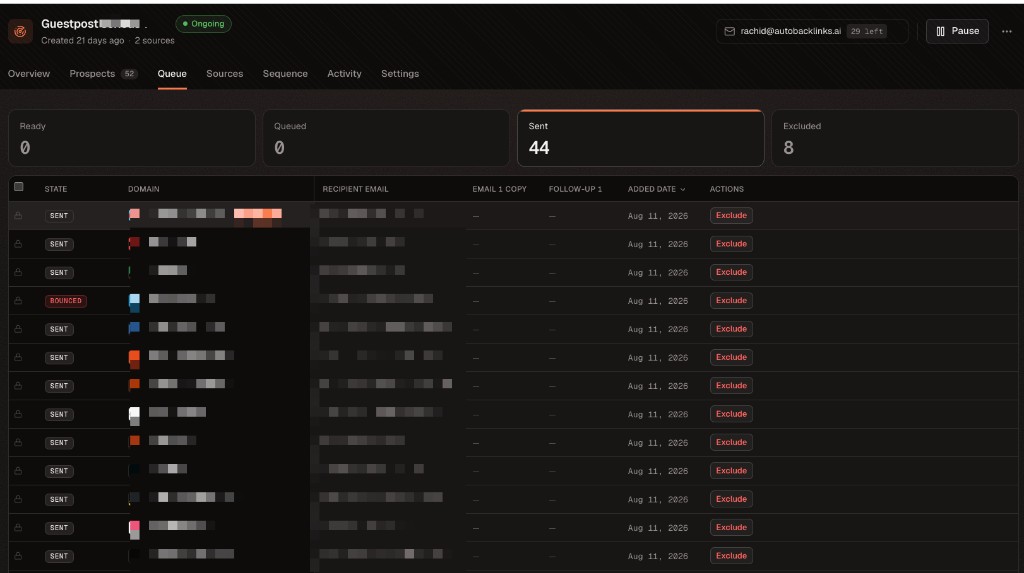
Use Queue to generate drafts, review ready prospects, and track what happens next. - 02
Select prospects
Choose the rows you want to prepare, then click Generate emails.
- 03
Read the first email
Check the page referenced, the reason for contacting the prospect, and the requested action.
- 04
Review follow-ups
Make sure follow-ups add useful context instead of repeating the first message.
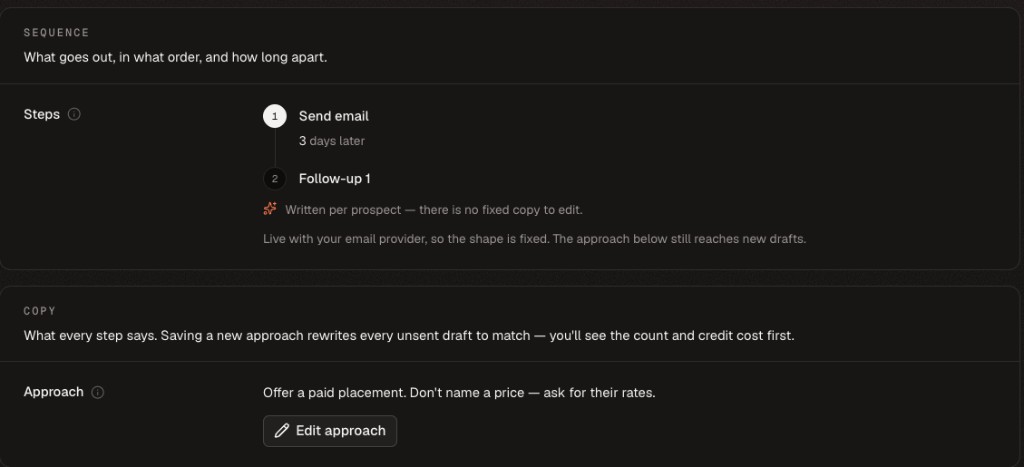
Review every step in the sequence, including the delay before each follow-up. - 05
Edit when needed
Manual edits are kept. Later draft generation will not overwrite your changes. If the same issue affects every unsent draft, update the campaign-wide Approach instead.
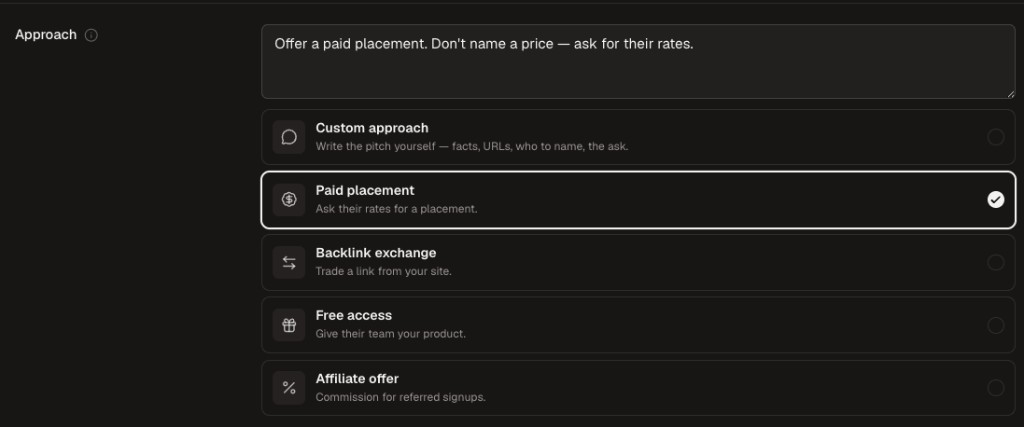
Changes to the Approach can rewrite every unsent draft after you confirm the affected count and credit cost.
A send-ready draft
- References the correct website or page
- Explains why your website fits
- Makes one clear request
- Avoids unsupported claims and generic praise
- Sounds like the sender whose name is on the mailbox