

Start outreach
Select Ready prospects, check the mailbox, and start sending.
- 01
Open Queue → Ready
Only prospects with completed drafts can start outreach.
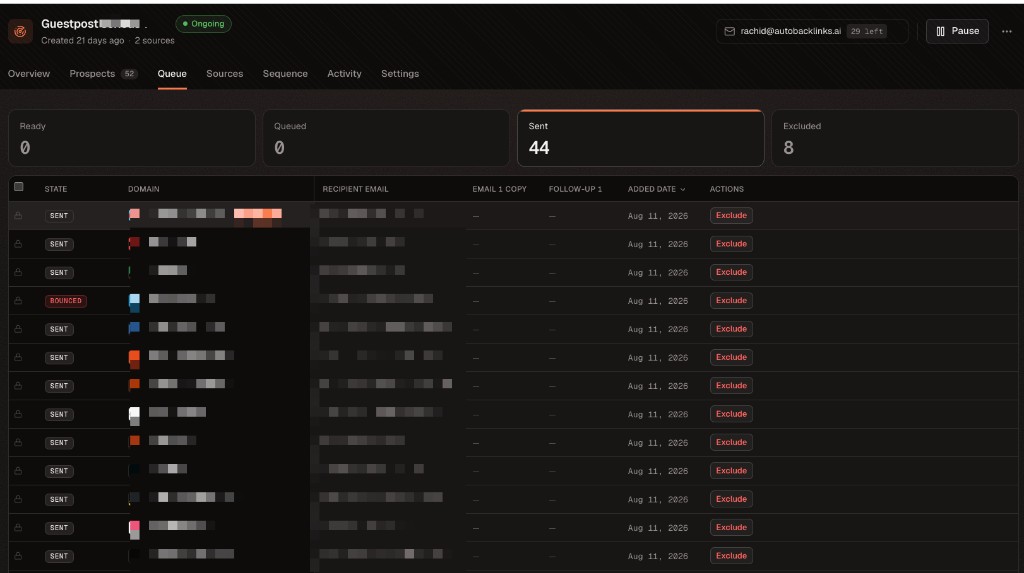
Open Ready to review prospects whose email drafts are complete. - 02
Select the prospects
Choose the rows you have reviewed.
- 03
Check the sending mailbox
Open campaign Settings if you need to change the mailbox before sending.
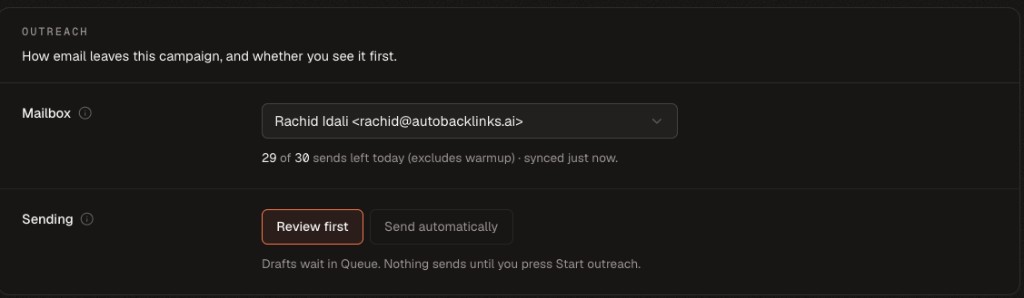
Pause the campaign before changing its sending mailbox. - 04
Click Start outreach
Emails enter the sending queue and are sent according to the campaign settings.
- 05
Watch Activity and Inbox
Use Activity for campaign progress and Inbox for replies.
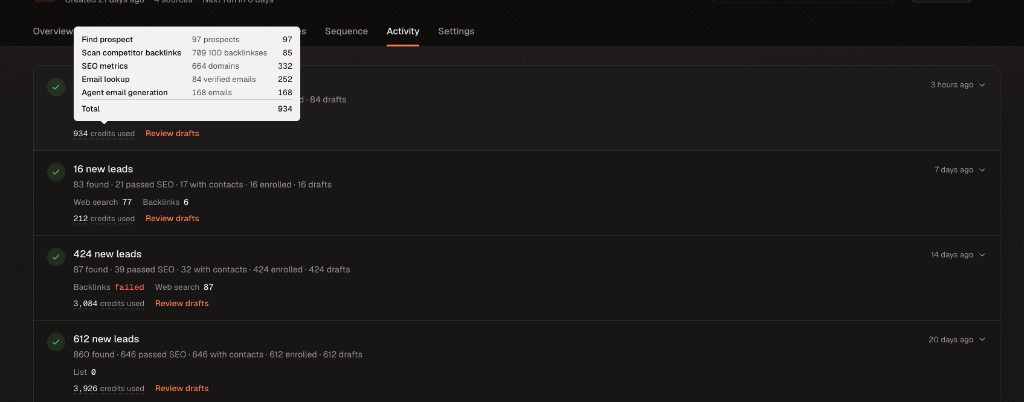
Activity records what each campaign run completed and the credits it used. 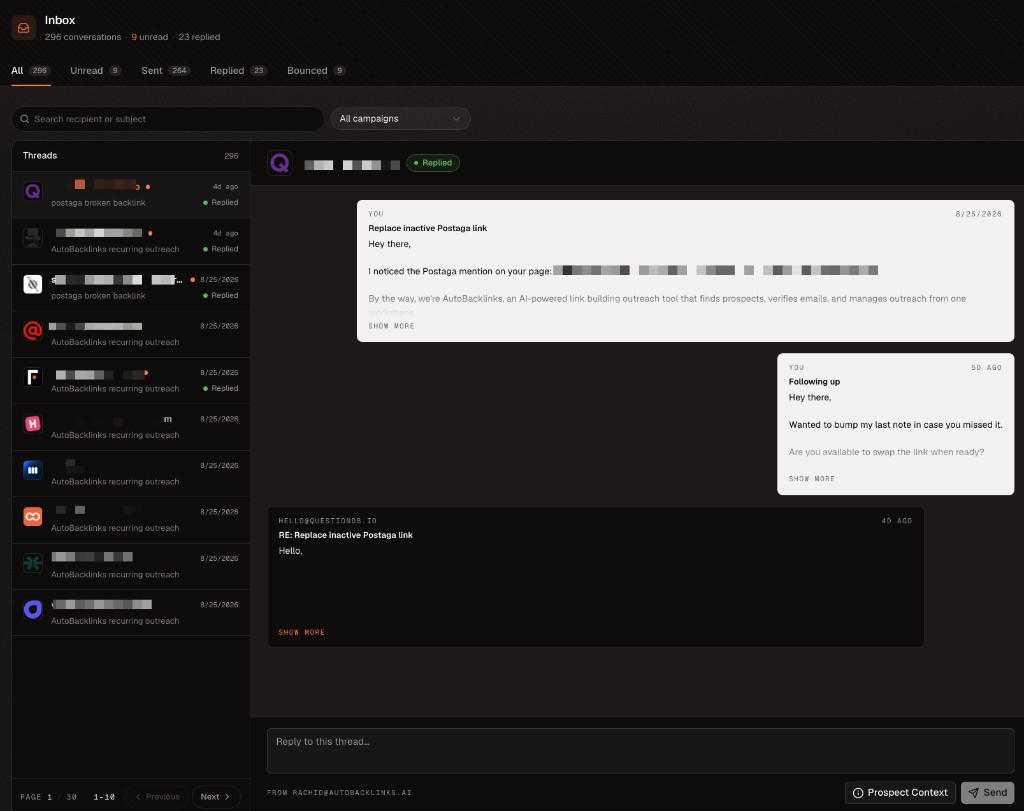
Inbox keeps the sent sequence and replies together in one conversation.
If Start outreach is unavailable
- Generate emails for prospects still in Needs copy
- Select at least one prospect in Ready
- Wait for draft generation or rewriting to finish
- Connect or repair the campaign mailbox
- Check that enough credits remain