

What does AutoBacklinks AI Agent do?
The AI Agent does the work with you, one approved step at a time.
The AI Agent is AutoBacklinks’ guided discovery engine. Use it to choose a discovery method, find and qualify websites, apply quality filters, and build a prospect list one approved action at a time. When the list is ready, add it to an existing campaign or create a new campaign from it.
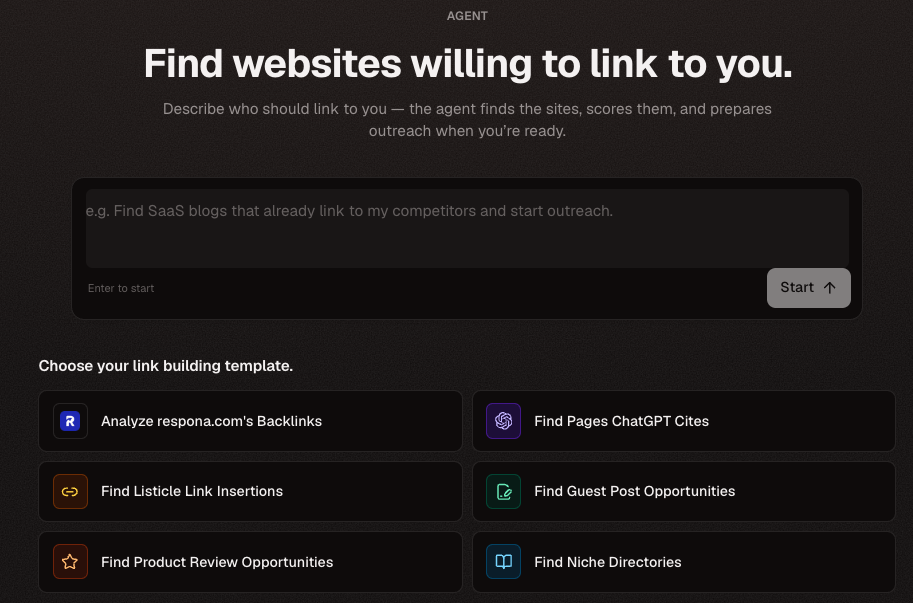
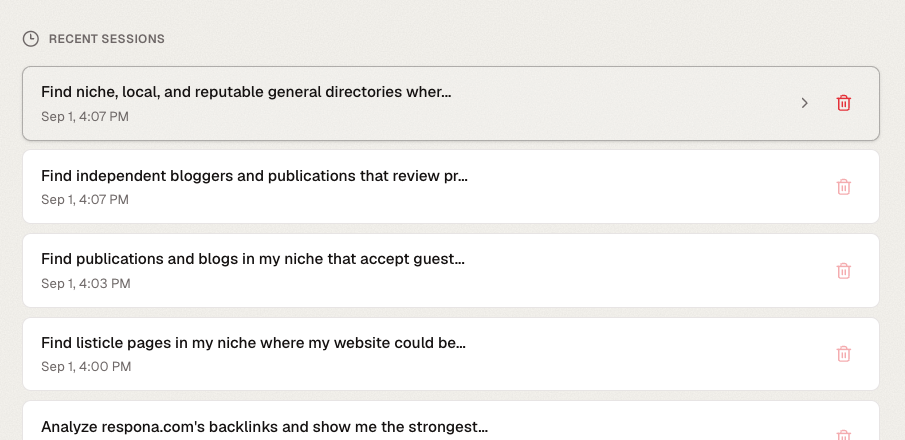
Your work is saved under Recent sessions. Reopen a session to continue from its current step without restarting discovery, or delete sessions you no longer need.
The AI Agent can help you
- Choose the type of backlink opportunity you want to discover
- Suggest search topics and competitors
- Find and qualify prospects
- Apply SEO filters
- Find contact details
- Combine useful results into a focused prospect list
- Add the list to an existing campaign or create a new campaign
Actions you review
- Discovery — what the agent will search for
- SEO filtering — the minimum quality requirements
- Contact finding — which prospects need email addresses
- Campaign setup — the goal, mailbox, and outreach direction
- Draft generation — which prospects receive drafts
- Start outreach — the final sending action
Before approving
- The action matches the outcome you asked for
- The number of prospects is appropriate
- The estimated credit use is acceptable
- The selected website and mailbox are correct
- You have reviewed drafts before approving outreach