

Find product review opportunities
Reach reviewers who already cover products in your category.
Choose Find Product Review Opportunities to find independent sites that review products like yours. This works best when your competitor list is accurate.
Find and qualify product reviewers
- 01
Start with the Product Reviews template
Choose Find Product Review Opportunities. The request asks the agent to find independent bloggers and publications that review products like yours. Edit the request first if you want to narrow the product category, audience, or region.
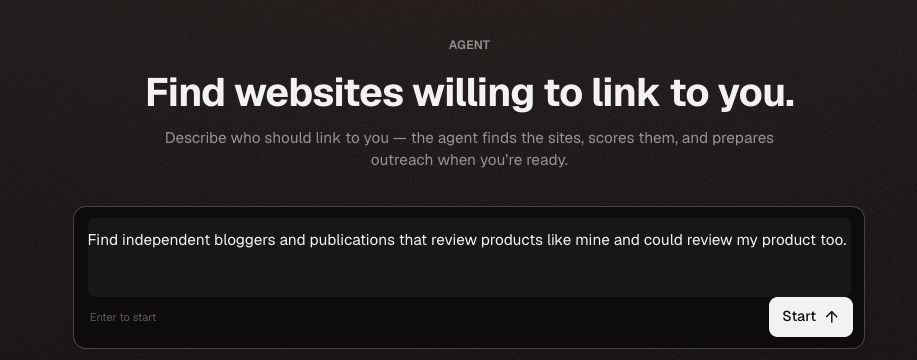
The template starts a guided search for publications that could genuinely review your product. - 02
Choose how many websites to find
Select 50, 100, or 200 websites and approve the discovery run. Credits are reserved for the selected limit, but you are charged only for relevant websites found; unused reserved credits are refunded.
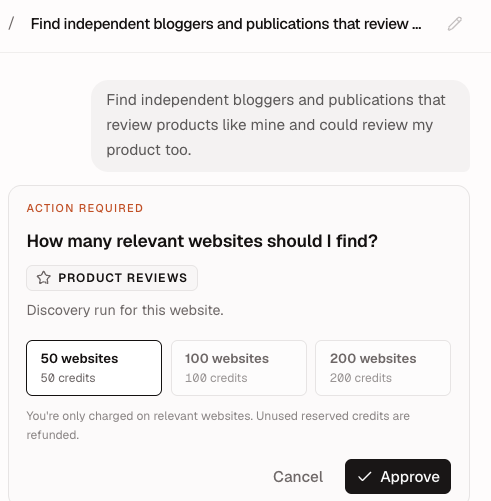
Start with 50 websites when testing a category, then find more if the results are strong. - 03
Review the search keywords
The AI Agent suggests review-focused searches based on your website and competitors. Add, edit, or remove keywords before approving the search. Use specific product, competitor, and category terms to improve the results.
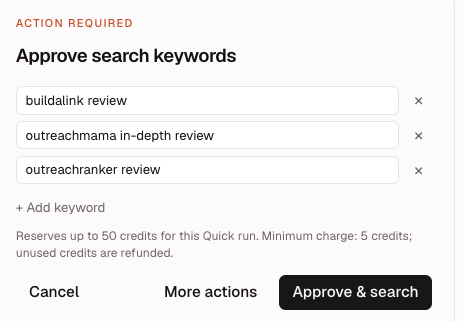
Review every keyword before search; remove terms that would attract unrelated products. - 04
Review the discovered publications
The Discovery table shows the domain, review URL, page title, page type, and relevance score. Export the list at any time, open a prospect for more detail, or disqualify pages that do not match your product.
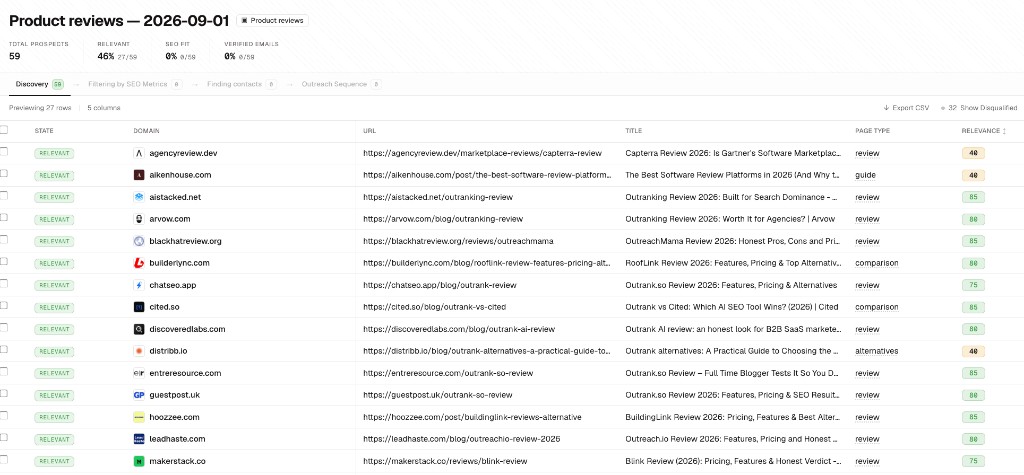
Use the page URL and page type to confirm that each prospect publishes substantial editorial reviews. - 05
Understand the relevance score
AI reads the page content and decides whether it is a genuine, hands-on review of a product in your category. A higher score means a stronger topical and editorial fit. Open the score explanation when you want to understand why a page qualified.
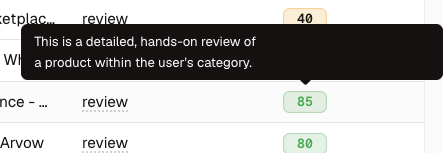
The explanation identifies whether the page is a detailed review within your product category. - 06
Choose the next action
After discovery, you can find more product-review prospects, filter the list by SEO metrics, find verified contacts, or export your current list.
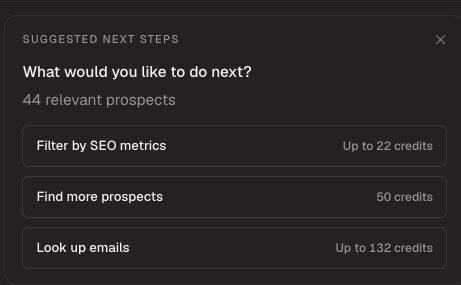
Continue with the qualification step that best fits your current list. - 07
Filter by SEO metrics
Set the minimum Domain Rating and organic traffic for your campaign. Review the passing prospects or export them before spending credits on contact lookup.
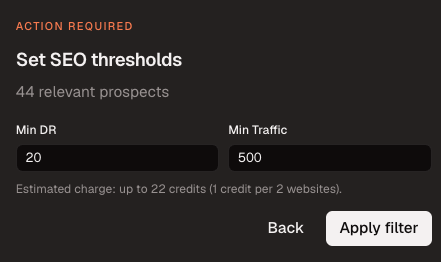
Choose thresholds that protect quality without excluding every specialist reviewer. 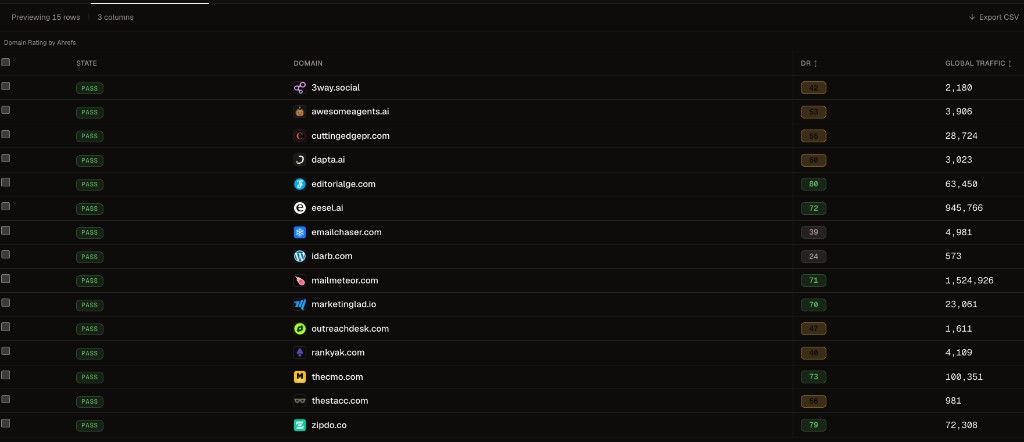
The filtered table shows the measured authority and traffic for each passing prospect. - 08
Find verified contacts
Approve email lookup for the qualified publications. You pay only for verified addresses. Review each contact’s name, role, and verification status before continuing.
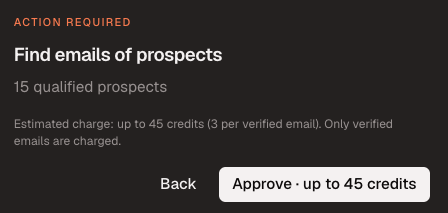
The approval card shows the maximum credit charge before lookup begins. 
Prefer editors, reviewers, or relevant writers over generic addresses when possible. - 09
Add the qualified prospects to a campaign
Choose Add prospects to a campaign. Select an existing campaign when its goal and approach fit this list, or create a new campaign directly from the session. Then confirm the sending mailbox.
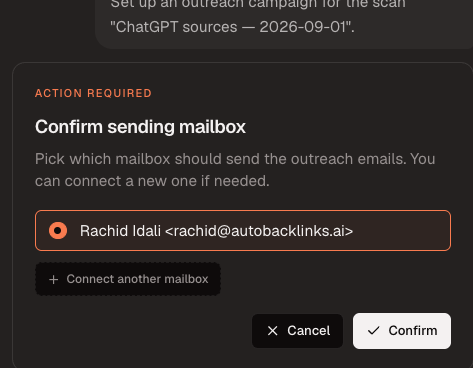
Confirm the mailbox that should send the review outreach. - 10
Choose your outreach approach
Write your own instructions or start from Custom approach, Paid placement, Backlink exchange, Free access, or Affiliate offer. Every template is editable, so add the exact offer, links, names, tone, and call to action the drafts should use. For example, choose Affiliate offer and add:
Offer a 30% recurring commission for every referred customer.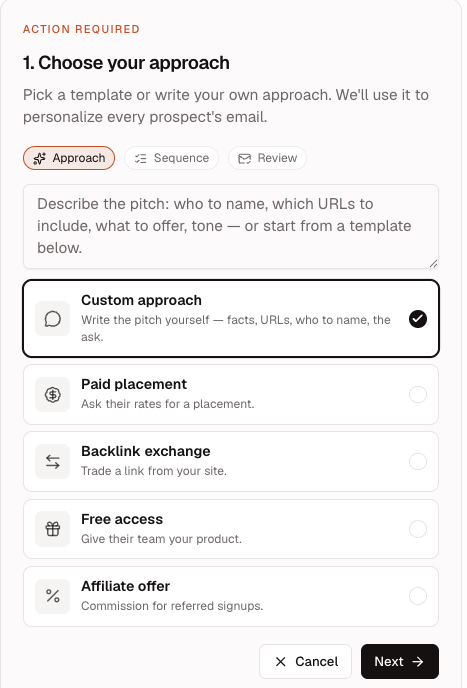
Choose a template or write your own approach, then edit the instructions with the details every draft should follow. - 11
Choose your email sequence
Choose 1, 2, or 3 emails and set the follow-up delay in days. The sequence applies to every selected prospect. A practical starting point is one initial email and one follow-up three days later.
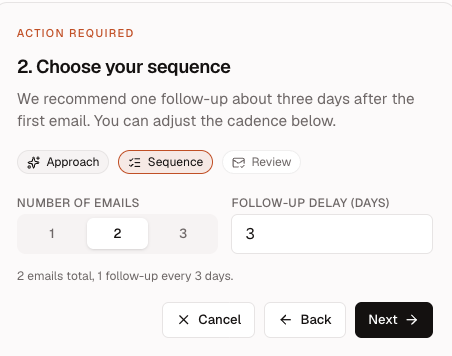
Set the number of emails and the delay before each follow-up. - 12
Review and generate the drafts
Review the approach, sequence, selected prospect count, and estimated credit use. The AI Agent generates drafts only for qualified prospects that have a verified, valid email address. Choose Generate emails when the summary is correct.
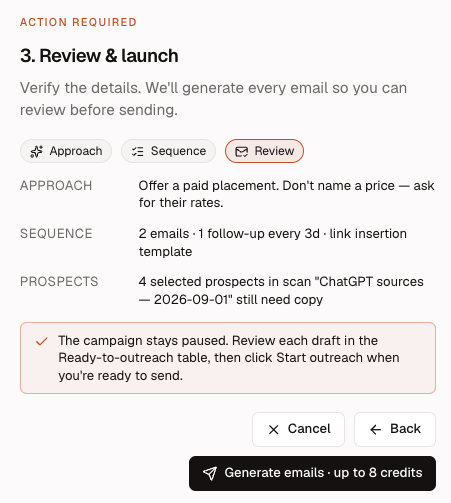
Confirm the shared instructions and eligible prospect count before generating emails. - 13
Review every generated draft
Open the Outreach Sequence table to check which prospects have ready drafts. Select a draft to read its subject, message, and follow-up before approving outreach. Exclude unsuitable prospects or revise the campaign instructions when the copy needs a different direction.
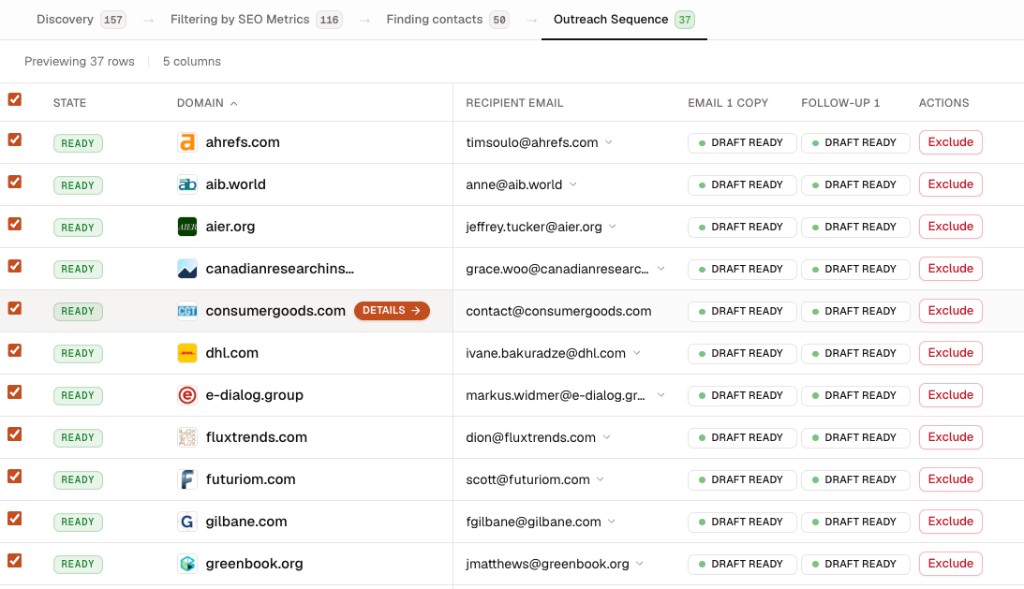
The Outreach Sequence table shows draft readiness for every eligible prospect. 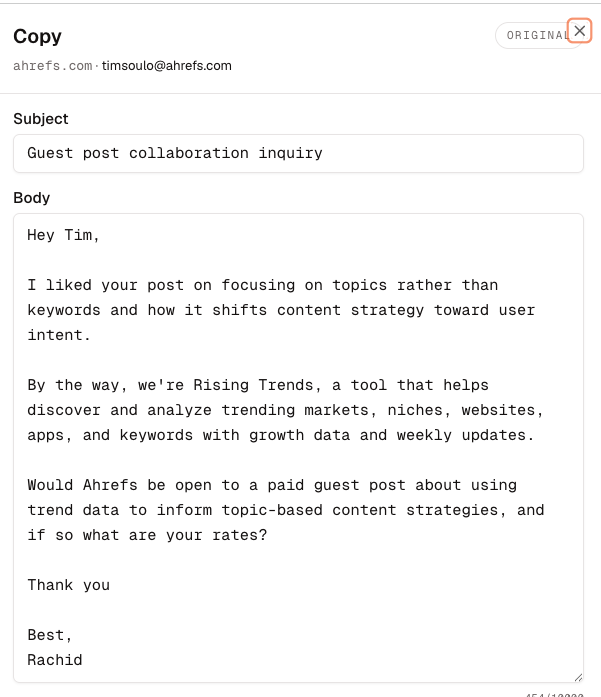
Open each draft to verify the recipient, subject, personalization, offer, and call to action.